A few years back, you may have noticed that some of your group chats and texts with friends were a little bit…off. Features like image sharing and read receipts didn’t always work. Maybe you figured out that those issues specifically came up when you were messaging with friends who had a different type of phone. That’s largely because Android phones started supporting RCS several years ago, but Apple only came around to providing iPhone RCS more recently.
With both of the country’s major smartphone providers supporting the protocol, RCS messages are now an option for most people with smartphones. The shift happened automatically for many people, meaning that — while the advent of Apple RCS is a pretty big deal — a lot of users may not have realized it was even happening.
What Apple RCS Is
Before you can understand what Apple RCS is, you need to understand what RCS is. RCS is a messaging protocol that comes with additional features than what was available with SMS (short message service). RCS offers stronger encryption options and more rich media features like high-resolution images, videos, and carousels. Apple RCS refers to the capability to send RCS messages on the iPhone, a relatively recent development.
Does the iPhone Have RCS?
In most cases, yes. iPhones now support RCS messages.
That said, there are particular cases where iPhone users may not have access to RCS yet. For someone to use iPhone RCS, their carrier also needs to support it, and they need to have the right iOS (at least iOS 18).
What Changed with iOS 18 RCS
Apple rolled out RCS support for the first time with their iOS 18 RCS update. Here’s what that means in more specific terms.
RCS Becomes the New Default for Cross-Platform Messaging
For years, messages between iPhone users used iMessage, messages between Android users used RCS, and messages exchanged across the two platforms fell back on SMS or MMS. With this iPhone RCS update, when someone with an iPhone messages a friend with an Android (and vice versa), the messages will most often be sent via RCS, instead of MMS or SMS. That means a better experience for all parties.
iMessage Still Works Separately on Apple Devices
While Apple RCS provides an upgrade for cross-platform text messages, iMessage already had a strong reputation amongst Apple users. This RCS iOS update applies specifically to messages between different types of devices, but when iPhone users message other iPhone users, iMessage will still be the default.
Green Bubbles When It’s Not an iMessage
iPhone users will still see messages from other iPhone users in blue, while messages from other devices will show up in green.
How RCS Works on iPhone
For many users, the switch to iPhone RCS will be automatic. Once your phone supports RCS, your messages with Android users will use RCS by default. But if you find the switch isn’t happening on its own, you can take a few steps to get started.
How to Enable RCS on iPhone
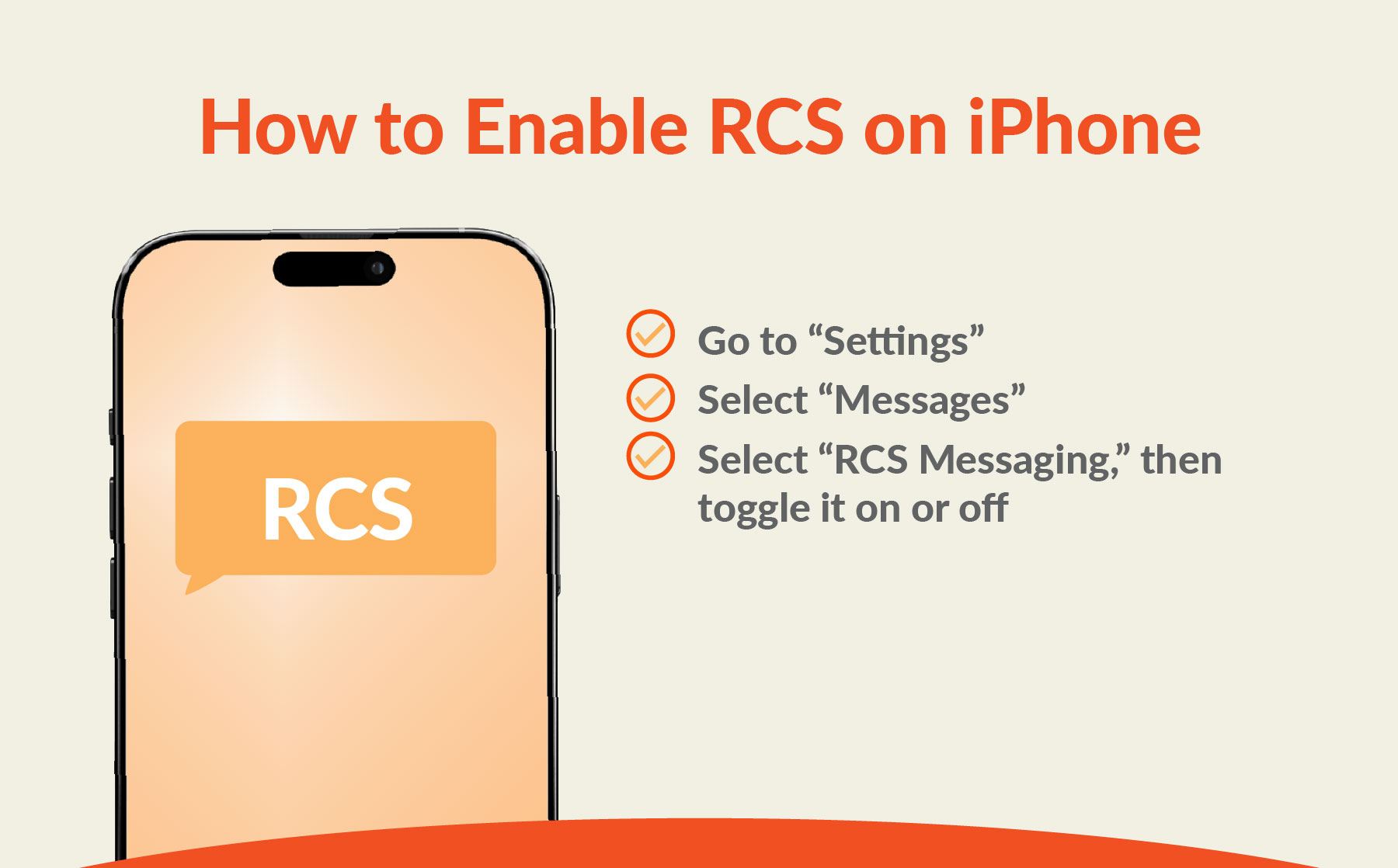
If an iOS user wants to control whether RCS is turned on or off manually:
- Go to “Settings”
- Select “Messages”
- Select “RCS Messaging,” then toggle it on or off
Check Your iOS Version
If you don’t see the option to turn on RCS in your Messages section, that may mean your phone isn’t using a recent enough iOS version. RCS was a new feature in iOS 18, so won’t be available in earlier versions. Check that your iOS is up to date, then try again.
Confirm Carrier Support
If you’re still not seeing the option to turn on RCS in Settings, you may be using a cell phone carrier that doesn’t support RCS yet. Contact your carrier to ask if they support RCS and, if not, when they expect to start.
Apple RCS vs iMessage vs SMS
Anyone using an iPhone with Apple RCS available will still have access to iMessage and SMS as well. Here’s a basic description of how each option differs:
- Apple RCS: RCS messages will typically be the default when messaging with people who don’t have an iPhone, but you can also choose to opt for RCS instead of iMessage with other iPhone users if you prefer. RCS messages can include high-resolution images, videos, and links, and RCS supports delivery and read receipts and typing indicators.
- iMessage: iMessage is specifically available when sending messages from one iOS device to another. With iMessage, you can send high-resolution photos, videos, documents, links, and message effects. Like RCS, it also supports delivery and read receipts and typing indicators.
- SMS: SMS messages are always an option on iPhone, and they’re a fallback option anytime RCS isn’t supported. But when you compare RCS vs SMS, RCS messages provide more encryption and offer more rich media options. In most cases, if RCS is an option, it’s the better choice.
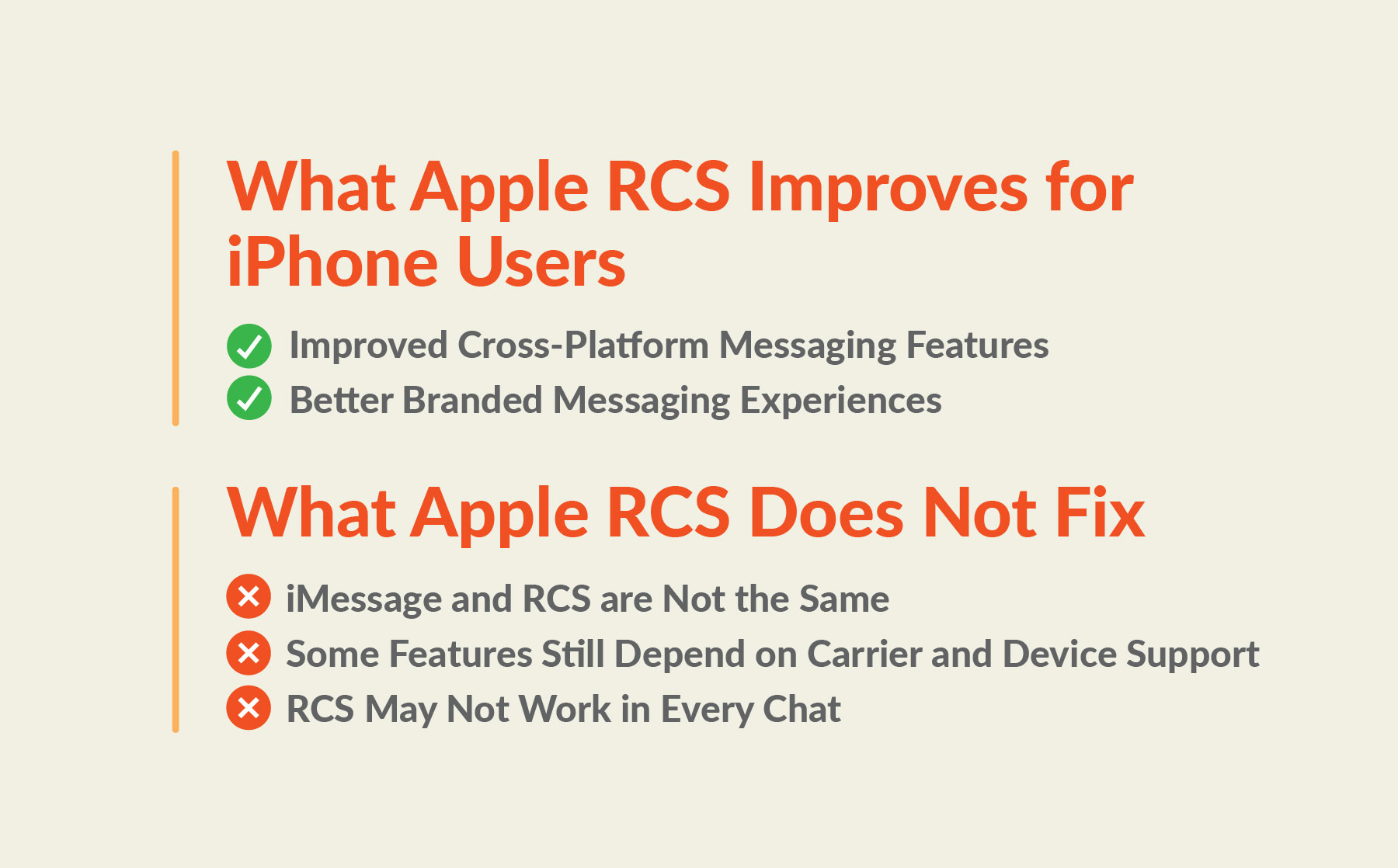
What Apple RCS Improves for iPhone Users
By embracing RCS on iOS, Apple provides a couple of notable improvements for iPhone users.
Improved Cross-Platform Messaging Features
The biggest change is that messages and group chats with people who don’t use iPhones work a lot more seamlessly. iPhone users can now send their friends on Android messages that include high-quality videos and images, and receive them as well. They can turn on read and delivery receipts so they know when friends have seen their messages, and see typing indicators that keep them apprised of when a response is on the way. While iPhone users generally had access to these features with other iPhone users before, now they’re available with most (if not all) of the people they text with.
Better Branded Messaging Experiences
Another improvement that comes with Apple RCS is a change in the kind of messages you can receive from brands. RCS lets brands create verified profiles, so it’s easier to tell when a message comes from a legitimate organization, rather than a scammer. Businesses can also include RCS features that make their messages more engaging, like rich cards, carousels, CTA (call-to-action) buttons, and suggested replies that make it easy for users to take an action like making a purchase or pulling up a location on a map app.
What Apple RCS Does Not Fix
Apple RCS brings some definite benefits, but there are a few issues some users may still encounter.
iMessage and RCS are Not the Same
While Apple RCS brings many of the features available in iMessage to cross-platform messaging, RCS and iMessage are still two different programs. Messages will still show up a little differently (e.g. the green bubbles vs the blue), keeping Android users visually differentiated from other iPhone users. Plus, iMessage includes a few features RCS doesn’t, like message animations, screen effects, and stickers.
Some Features Still Depend on Carrier and Device Support
While RCS is supported across most devices and carriers now, that support isn’t quite universal. Some users may still find their current carrier doesn’t support RCS, or they may have friends who aren’t able to receive RCS messages yet.
RCS May Not Work in Every Chat
Even if everyone involved has a device and carrier that technically supports RCS, you may still encounter scenarios where it doesn’t work. For example, RCS depends on internet access (whether WiFi or mobile data), so when a friend is out of range, an RCS message could fail or be sent via SMS.
Why RCS May Not Be Working on Your iPhone
If you’re frustrated that RCS still doesn’t seem to be an option on your iPhone, there are a few main culprits that could be causing the issue.
Your Carrier Does Not Support RCS Yet
Some carriers haven’t enabled RCS yet. Check with your phone plan provider to find out if they support RCS now. If they say they don’t, ask if they have plans to implement it and how soon.
Your iPhone is Not Updated
If your iPhone is still running on an old iOS, you may not have access to RCS because of it. Try updating your iOS and see if that fixes the problem.
RCS is Not Enabled in Settings
If you’ve looked into your carrier and iOS and are still having trouble accessing RCS messaging, check your settings. If you scroll back up to our “How to Enable RCS on iPhone” section, the instructions will walk you through how to turn it on.
The Other Person is Not Using a Compatible Device or Service
Even if you’ve done everything right on your end, if the person you’re texting with has an old device, an outdated iOS, or a carrier that doesn’t support RCS, they may not be able to see the RCS messaging features you use.

Why Apple RCS Matters for Business Messaging
While Apple RCS is a big deal for end users, it also makes a big difference for brand messaging. SMS already earns a 98% open rate, compared to roughly 20% for email, with an average response time of about 90 seconds. Apple RCS extends that reach. Businesses can now count on RCS messages working for a much higher portion of their recipients. That means they can confidently use:
- Verified sender profiles with clear branding
- Rich media like high-quality images, videos, PDFs, and GIFs
- Rich cards that let you combine multiple media types into one message, and carousels that let you include multiple rich cards in the same message
- CTA buttons and suggested replies that make it extremely easy for recipients to take the next action you want them to
- SMS fallback, to ensure that anyone who can’t receive RCS messages still receives a version of your text
All of this adds up to big opportunities for businesses to earn more engagement and develop stronger relationships with the people on your list.
What Apple RCS Means Going Forward
Apple RCS allows iPhone users and Android users to finally create a shared experience when communicating across different platforms. Instead of worrying about how your image or emoji react will show up, you can trust that — at least in most cases — the person on the other end of the conversation will see just what you want them to.
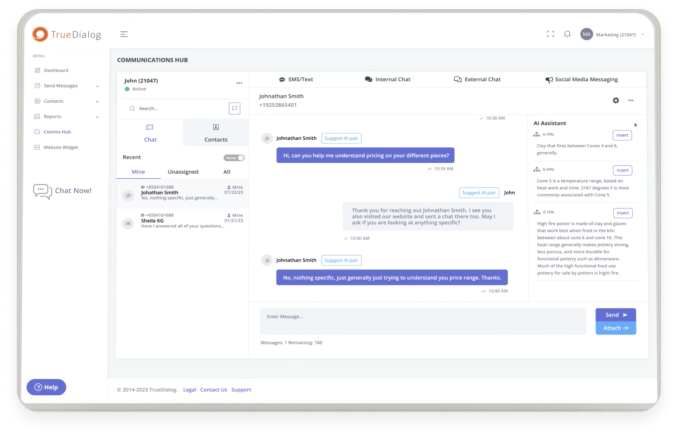
For businesses, it opens the door to more engaging messages and opportunities to drive action. TrueDialog’s Visual RCS Composer lets you build branded, interactive RCS campaigns with no code, and every message automatically falls back to SMS if a recipient’s device or carrier doesn’t support RCS yet, so no contact gets left out.
While Apple RCS isn’t a universal fix for all issues with cross-platform messaging, it’s a big step in the right direction. And chances are, things will only get better in the years to come.
Apple RCS FAQs
Does the iPhone have RCS now?
Yes, most iPhones with at least iOS 18 now support RCS messaging.
How do I enable RCS on an iPhone?
In most cases, RCS will work by default when you’re messaging with non-iPhone users. If that’s not happening yet, check that your iOS is up to date, and confirm that RCS is turned on in the settings. If that fails, check with your carrier to find out if they offer RCS support.
What is the difference between Apple RCS and iMessage?
iMessage is Apple’s native messaging platform, which is the default for all messages sent between iPhone users. RCS is a messaging protocol Apple has recently adopted for messaging between iPhones and other types of devices. iMessage and Apple RCS offer a lot of the same features, but iMessage has a few additional features (like message animations, screen effects, and stickers).
Why is RCS not working on my iPhone?
The most common reasons iPhone RCS doesn’t work are:
- You have an outdated iOS (must be at least iOS 18)
- RCS isn’t turned on in the Settings
- Your carrier doesn’t support RCS
- The person you’re texting with has a device or carrier that doesn’t support RCS