When mobile texting took off in the early 2000s, we were bound by strict character limits, numeric keypads, and, sadly, no way to share a meme. Texts were short, direct, and — thanks to hefty per-message fees — often only used in a pinch.
Fortunately, technology has evolved — first with Multimedia Messaging Service (MMS), which enabled in-message photos, audio, and video clips, and now with Rich Communication Service (RCS), which delivers a richer, more immersive, and interactive messaging experience.
Along with smartphones, QWERTY keyboards, and more affordable unlimited text and data plans, these technologies have irrevocably transformed the way we communicate. But when you compare RCS vs. MMS, you’ll see they’re very different. And while they create plenty of opportunities — especially for businesses to engage their audiences — they also introduce a lot more complexity.
Bottom line: If you want to use RCS and MMS to your advantage, you need to understand how they work.
In this guide, we’re diving into these two messaging options, breaking down their features and limitations, and arming you with the insight you need to deliver more engaging and actionable mass texting campaigns.
What Is MMS?
MMS (Multimedia Messaging Service) is a messaging protocol built on the same technology as SMS (Short Messaging Service) — an early texting technology that has remained the global texting standard for over 30 years.
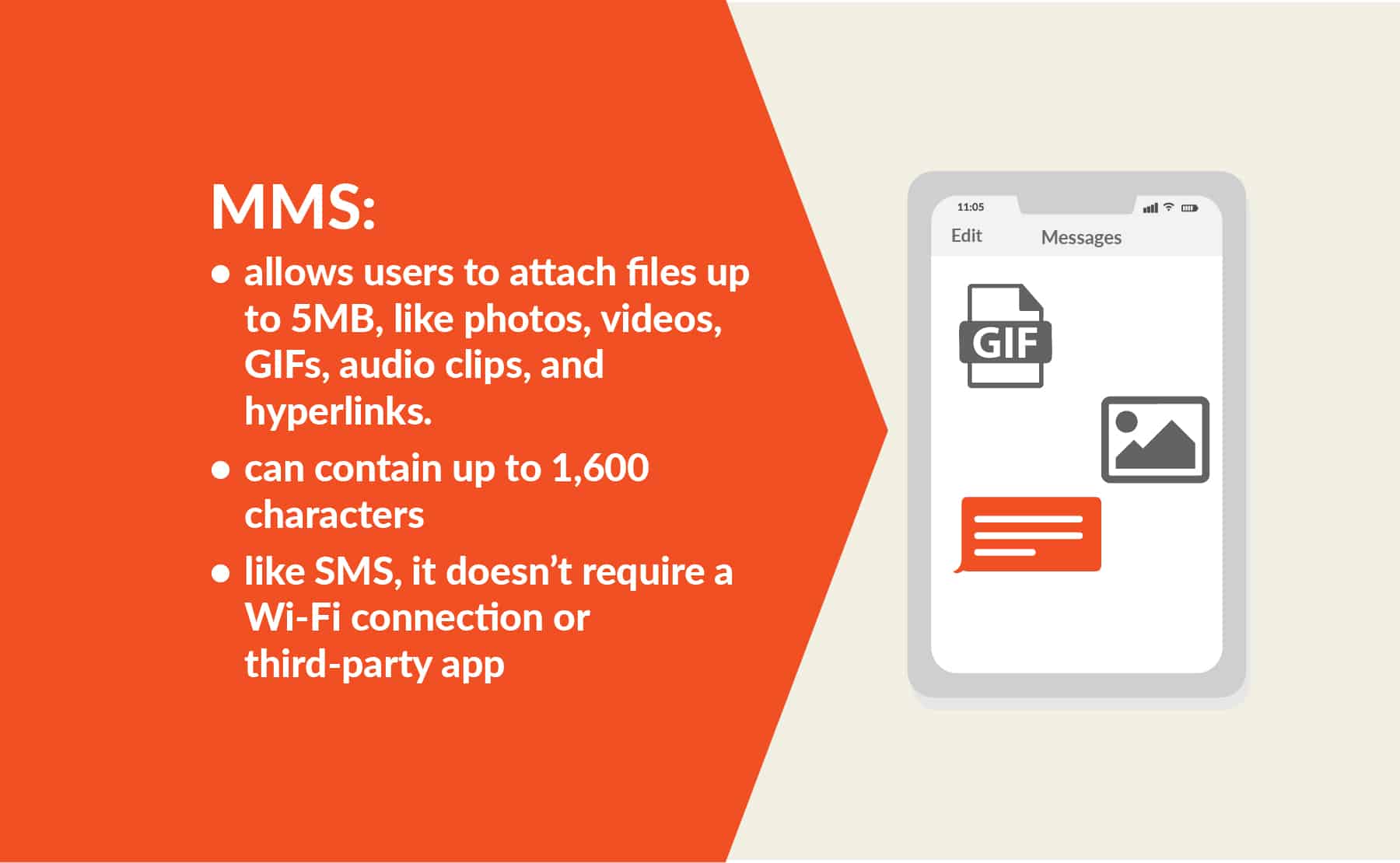
However, unlike SMS, which only supports plain text, MMS allows users to attach files up to 5MB, like photos, videos, GIFs, audio clips, and hyperlinks. Additionally, MMS messages can contain up to 1,600 characters while SMS has a 160-character limit.
When you send a text via MMS, your mobile carrier converts the message into a special multimedia format that can be delivered through your cellular network. Your recipient’s mobile carrier then receives the message through its MMS server and forwards it along to your recipient’s device.
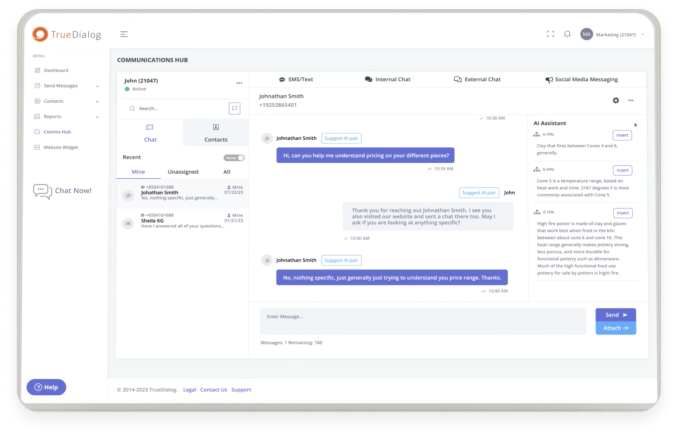
Businesses can send MMS messages to contacts using an enterprise text messaging platform that supports this messaging protocol. And when you send it via a solution like TrueDialog, which has direct-to-carrier connections, you can enjoy faster and more reliable delivery.
One of the greatest benefits of MMS messaging is that, much like SMS, it doesn’t require a Wi-Fi connection or third-party app. However, while SMS is universally available (i.e., supported by nearly every phone and carrier worldwide), MMS is only available on more modern devices, like smartphones. And while most carriers support multimedia messages, whether or not a message is delivered depends on the customer’s data plan or data network accessibility. (Even though MMS doesn’t require cellular data, some carriers may require users to have data toggled on for MMS files to send or download.)
In most cases, when MMS is unavailable due to data outage or because the recipient has an older phone or more restrictive plan, the carrier may attempt to deliver the message as a text-only SMS (without multimedia elements). If it can’t be delivered at all, the sender will usually receive a message failure notification.
What Is RCS?

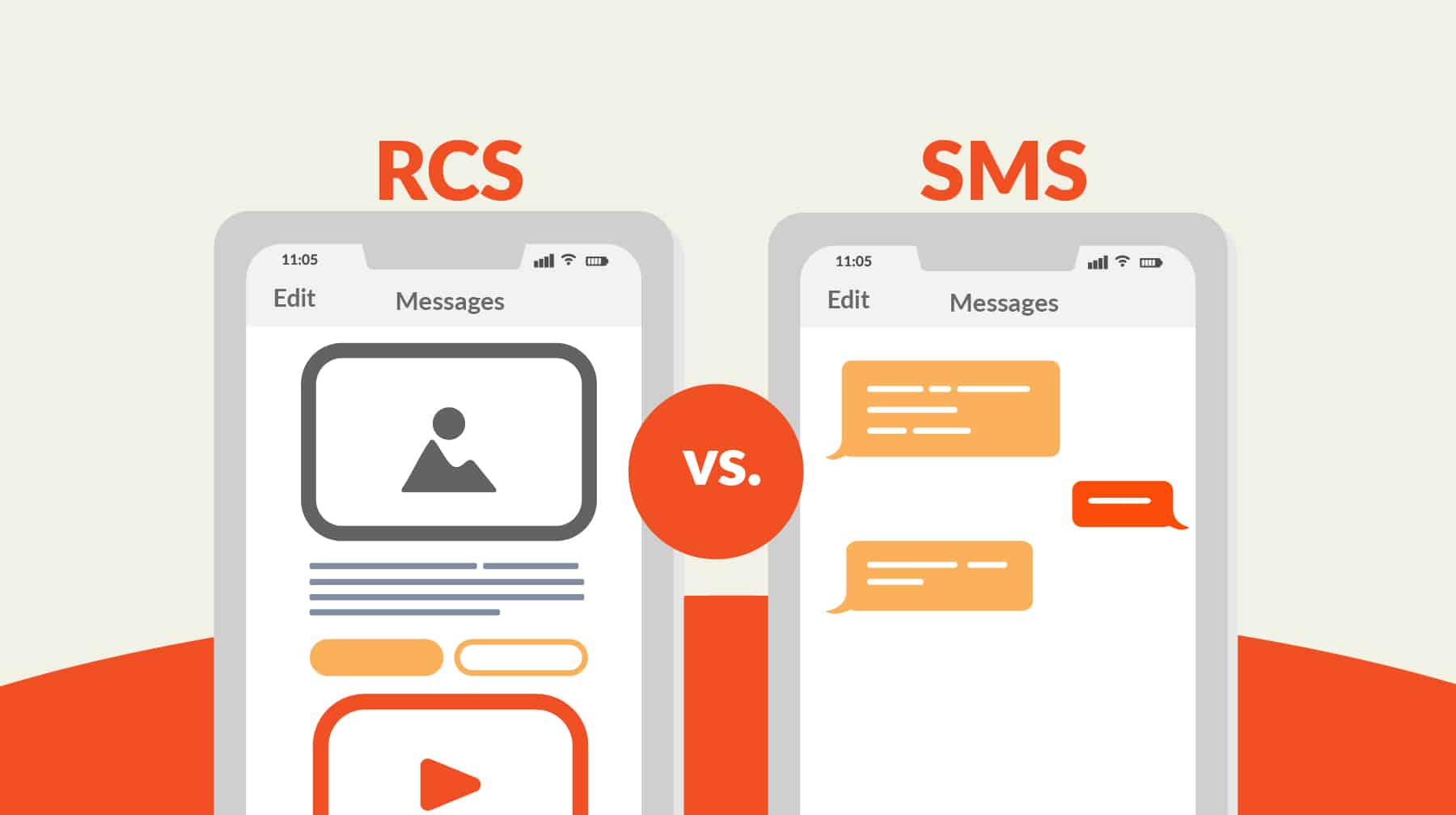
RCS (Rich Communication Service) is a more modern messaging protocol developed by the Global System for Mobile Communications Association (GSMA) — a trade association for mobile network operators — to replace both SMS and MMS. Like MMS, it supports multimedia elements such as photos, videos, and audio, but it also offers even more enhanced features.
With RCS, you can send high-resolution media (up to 100MB), texts up to 3,072 characters, and group chats with as many as 100 contacts. It also includes read receipts, delivery receipts, typing indicators, and location sharing. RCS also offers a range of features designed for businesses, including the ability to create custom-branded chats with your organization’s logo and brand colors.
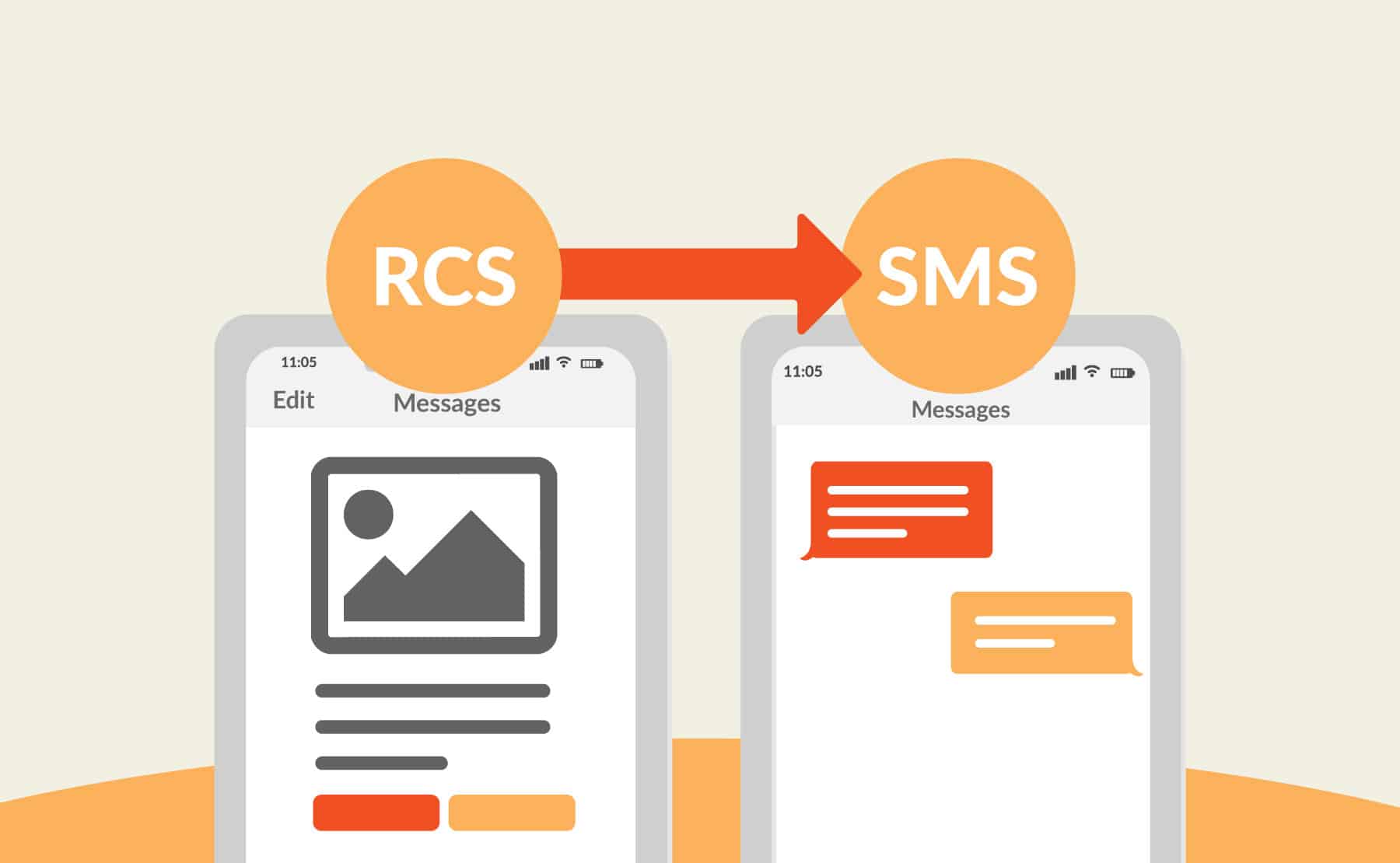
When you send an RCS message, your phone sends the file(s) over the internet, through your carrier’s RCS server to the recipient’s carrier, and then on to the recipient. If the recipient can’t receive an RCS message (because their mobile carrier or phone doesn’t support it, or they don’t have a stable internet connection), the carrier will attempt to send the message as a standard SMS. (And, like when MMS messages fall back to SMS, any multimedia content or interactive components will be stripped from the message.) However, this isn’t a foolproof system, and sometimes the messages still fail to reach recipients.
To send RCS messages to contacts, businesses will need to leverage an RCS-enabled platform that connects directly with carriers (or via aggregators) to deliver messages to recipients with RCS-compatible devices.
The fact that RCS relies on the internet is a double-edged sword. On one hand, leveraging the internet is what allows RCS to support high-resolution content (like high-definition videos, ultra-clear images, interactive features, and branded chat experiences). On the other hand, if the sender or recipient doesn’t have a reliable connection, the message will either fail or default to SMS.
RCS vs. MMS: Feature-by-Feature Comparison
Both MMS and RCS offer a more advanced texting experience when compared to traditional SMS messaging. Incorporating visuals into your text marketing campaigns is a great way to capture recipients’ attention, deepen engagement, and earn better results. And since both messaging types support hyperlinks, you can easily drive traffic to specific product pages, shipment tracking, demo request pages, or other relevant content.
(Quick SMS marketing statistic: according to MessageDesk, texts with links typically earn a stellar click-through-rate of about 36%. So if you want to drive clicks, SMS, MMS, or RCS can help.)
Of course, these protocols also have unique advantages over each other, and the best way to understand the differences between MMS vs. RCS is to compare each specific feature:
Multimedia Capabilities
At first, when you’re comparing RCS vs. MMS message multimedia features, it can seem like the two protocols are similar. For example, both RCS and MMS support various media types, including text, images, videos, GIFs, audio files, slideshows, and even PDFs.
However, RCS takes it a step further by enabling image carousels, maps, buttons, and other customizable visuals. Furthermore, with a 5MB limit, MMS can only transmit smaller files, which means much lower-resolution photos and shorter, less crisp videos. Meanwhile, thanks to its sizeable 100MB limit, RCS gives you the power to send much larger files and higher-quality media.
Message Delivery and Read Receipts
Knowing that your message was delivered gives you peace of mind, and having confirmation that the recipient has seen it provides insight into message engagement. Like iMessage, WhatsApp, and other popular chat apps, RCS includes both of these features — plus a typing indicator so you know when a recipient is actively composing a response. MMS, on the other hand, does not include this functionality in its protocol.
Brand Customization
Branding is a key difference between RCS and MMS, and a place where the older protocol falls short.
RCS branded messaging functionality gives organizations the power to customize the messaging experience. After registering with an RCS messaging provider and being verified by mobile carriers, businesses can set up a brand profile, which includes their business name and logo displayed in message headers, a customizable color scheme, and a verified checkmark to show recipients that the sender’s identity has been authenticated. All of these elements can strengthen contact’s trust in your brand and assure them they aren’t being spammed or scammed. For a deeper look at how to put these features to work, check out our RCS for business guide.
Because it’s built on less advanced tech, MMS does not include any of these features.
Security and Compliance
In addition to its verified sender identity feature, RCS also encrypts messages during transit, so they’re less likely to be intercepted. Initially, RCS messages weren’t end-to-end encrypted when sent between an iPhone and an Android device because the RCS standard didn’t provide cross-platform support, according to The Verge. However, end-to-end encryption (E2EE) is now supported between platforms thanks to the latest version of industry standards for RCS (released by the GSMA).
MMS, on the other hand, are not encrypted during transmission and thus may be more vulnerable to being intercepted.
All of that said, partnering with an enterprise texting platform like TrueDialog can help mitigate your legal risk and assist you in meeting the guidelines of the Telephone Consumer Protection Act (TCPA).
Our solution prioritizes MMS, RCS, and SMS compliance and has built-in security measures such as single sign-on, multi-factor authentication, and support for single and double opt-in consent. Plus, TrueDialog meets rigorous SOC 2 Type II and TX-RAMP standards, and uses an ISO-certified data center. So, regardless of whether you use RCS or MMS, you can rely on our built-in safeguards to protect your business.
Internet Requirement vs. Cellular Reliability
Reliability is one area where MMS has a substantial edge over RCS. Like SMS messages, MMS messages are sent via a carrier’s cellular network, which means you can send multimedia messages even if you or your recipient is without a cellular data or internet connection.
In other words, because MMS relies on the same infrastructure as phone calls or basic texting, it has a broader reach than RCS (which requires cellular data or Wi-Fi).
The caveat is that some carriers route MMS messages through a mobile data gateway and cannot deliver MMS unless data is enabled. So while the MMS protocol doesn’t necessarily require cellular data to function, delivery still depends on the carrier and, more specifically, whether the recipient has a data plan and a data connection.
Use Cases: When to Use RCS vs. MMS
While we could spend all day debating the various merits and drawbacks of RCS vs. MMS and delving even deeper into the technical specifications, what’s most important is how each of these messaging protocols affects your texting campaigns.
Since neither option performs perfectly across the board, it can be helpful to compare each based on specific business use cases and the experience you want to deliver:
Promotional Campaigns
From limited-time offers like flash sales to new product announcements and event marketing, texting is an excellent channel for promotional campaigns — and RCS offers the immersive features you need to grab your audience’s attention.
For example, a sports venue might leverage RCS to announce new game-day bundles and fill unsold seats. Using the carousel feature, the venue could display enticing photos of different bundle options (such as a free hot dog combo meal with the purchase of two standard seat tickets), along with compelling copy and simple CTA buttons to drive clicks.
Of course, MMS is still valuable for promotional campaigns — especially if you’re concerned about reach. For example, the sports venue could send a digital flyer image about the game-day special via MMS, along with a link to purchase the bundle.
Customer Service and Support
When it comes to two-way communication, like customer service or technical support, RCS excels. For example, a financial institution might use RCS to support its fraud prevention team in serving customers whose card information has been stolen. Features like typing and read indicators can give your contacts the peace of mind that someone is on the other end, working to help them. And custom buttons can make responses faster and more convenient — which is vital in high-stress situations.
Of course, MMS is also handy for support purposes since it makes it easy to share visual instructions or quick explainer videos. But because it’s less interactive, it may be a better fit for one-way updates than ongoing conversations.
Alerts and Transactional Notifications
While MMS may not be as feature-rich, it does have better reach and reliability. And, when time is of the essence, it’s a better choice. For example, if a university needs to notify students about unexpected flash flooding on campus, it could send a message with a campus map that highlights road closures and detours, as well as details on whether dorm residents should evacuate.
If you’re comparing SMS/MMS vs. RCS for emergencies or time-sensitive events, SMS and MMS are clear winners. (And if you want the ability to set up automated responses or custom triggers for these kinds of scenarios, be sure to choose a platform like TrueDialog with a powerful SMS API.)
But, for less critical transactional notifications, RCS can be beneficial. For example, you can transform a shipping update into a more interactive experience by adding a progress bar or custom buttons that allow recipients to change their delivery date or contact support.
Additionally, RCS can also help create seamless in-message appointment scheduling, complete with buttons programmed to confirm, create calendar reminders, or get directions.
RCS vs. MMS vs SMS: How Do They All Compare?
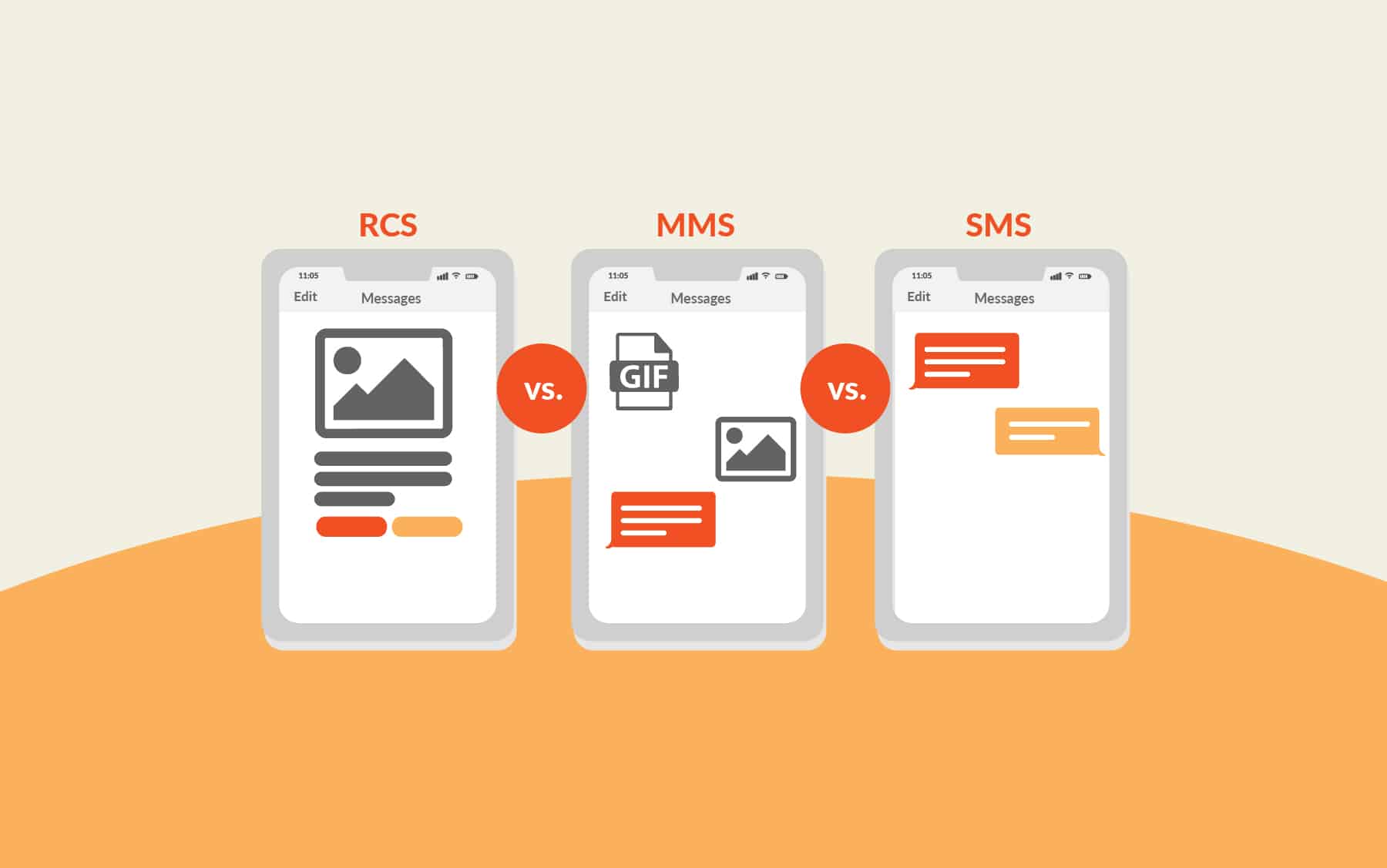
We’ve covered that MMS is built on SMS technology, and all the ways MMS and RCS differ — but what about when you’re stuck trying to decide between SMS vs. MMS vs. RCS? After all, MMS and RCS aren’t the only options.
Key Differences Between RCS vs. SMS vs. MMS
First, let’s quickly cover the primary differences between these three messaging protocols:
-
SMS (Short Messaging Service)
SMS supports text-only messaging, has a 160-character limit, and uses cellular networks. Although it’s extremely basic, it’s the most reliable of the three (which is why MMS and RCS messages default to SMS when they can’t deliver).
-
MMS (Multimedia Message Service)
MMS supports images, videos, audio, GIFs, and PDFs. It has a 1,600-character limit and uses cellular networks (though some carriers require data to send and receive MMS). It’s not as feature-rich as RCS, and it often compresses media due to its lower 5MB file size limit, but it’s available on almost all modern phones and via most carriers.
-
RCS (Rich Communication Service)
RCS is the most advanced option and supports all of the same file types as MMS, but with a file size limit of 100MB, it can handle higher-resolution media. It also includes branding capabilities, image carousels, customizable buttons, read receipts, typing indicators, and better security. However, because RCS depends on internet or data connections, it’s not as reliable. Additionally, it’s not as universally available as SMS or MMS since some devices and carriers still don’t support RCS messaging (and, even if they do, users have to toggle it on. Otherwise, messages may not deliver).
Questions to Ask When Deciding Between MMS vs. SMS vs. RCS
If you’re still not sure which messaging protocol is the right fit for a campaign, here are a few questions to guide your decision:
-
What type of content are you sending?
Simple alerts = SMS
Visuals like flyers, GIFs, or static maps = MMS
Interactive promotions = RCS -
What types of devices does your audience use?
If you’re unsure or your audience is highly diverse in their device choices, remember that RCS and MMS can default to SMS — as long as you’re using a platform that supports this. (Just make sure your message will still make sense even if the multimedia or rich elements are stripped away.)
-
What is your goal with this campaign?
Reach as many people as possible with a simple message = SMS
Reach as many people as possible with multimedia components = SMS
Deliver an immersive and engaging experience = RCS
Choosing the Right Messaging Tool for Your Business
Deciding between RCS vs. MMS can be complicated, and because these two protocols are so different, it’s important to make an informed choice. Fortunately, by applying the insight shared above and working with a reliable bulk text platform like TrueDialog, you can make sure your messages reach your audience and keep them engaged.
Interested in learning more about how TrueDialog can help you reach millions of contacts in seconds? Request a demo.