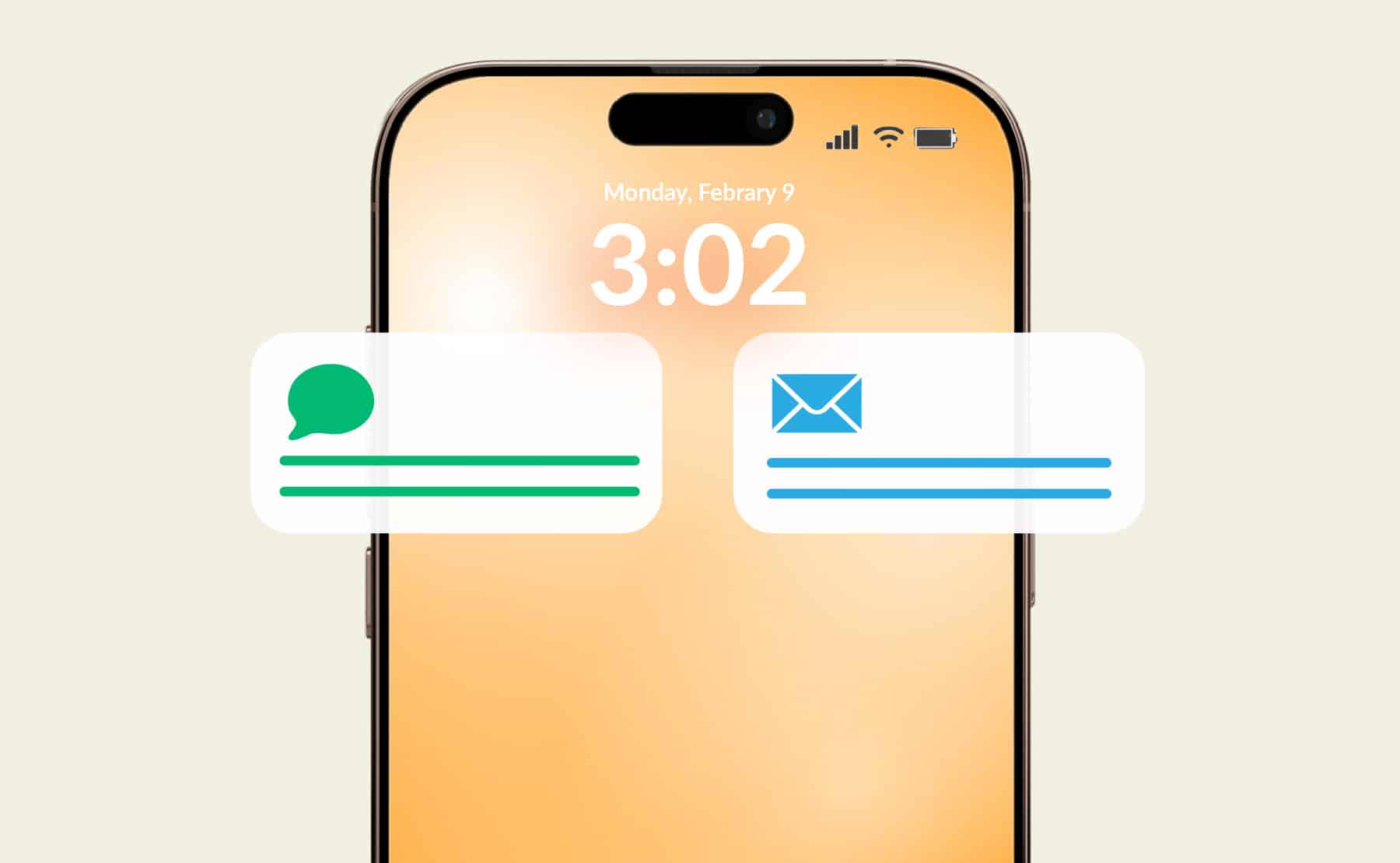
As a marketer, you have two goals every time you send a message: reach your audience and drive engagement. We know text messaging is the best way to achieve these objectives, but email is a close runner-up — and with text-to-email, you can make the most of both of these high-impact channels.
Here’s what you need to know about texting to email, common use cases, how it can benefit your business, and other helpful insights.
Note: Sprint stopped supporting text-to-email in 2022 and, as of June 17, 2025, AT&T has also shut down its text-to-email and email-to-SMS services. Other carriers may follow suit. Fortunately, leveraging a solution like TrueDialog can help you overcome this challenge.
What Is Text to Email and How Does It Work?
Text-to-email is a process that allows you to send an SMS text message to a recipient’s email inbox (instead of their text inbox). Rather than connecting phone-to-phone or from an enterprise SMS platform to a phone, your SMS is converted to a format your contact can receive, open, and reply to via email.
There are lots of reasons someone might send text messages to email, like, for example, if you know a recipient is temporarily unable to receive text messages, or you don’t have their phone number (but do have their email address). For brands, text-to-email can help streamline customer support (e.g., forwarding a customer’s concern to the most qualified expert) and multi-channel campaigns.
How to Send a Text to an Email Address From a Phone
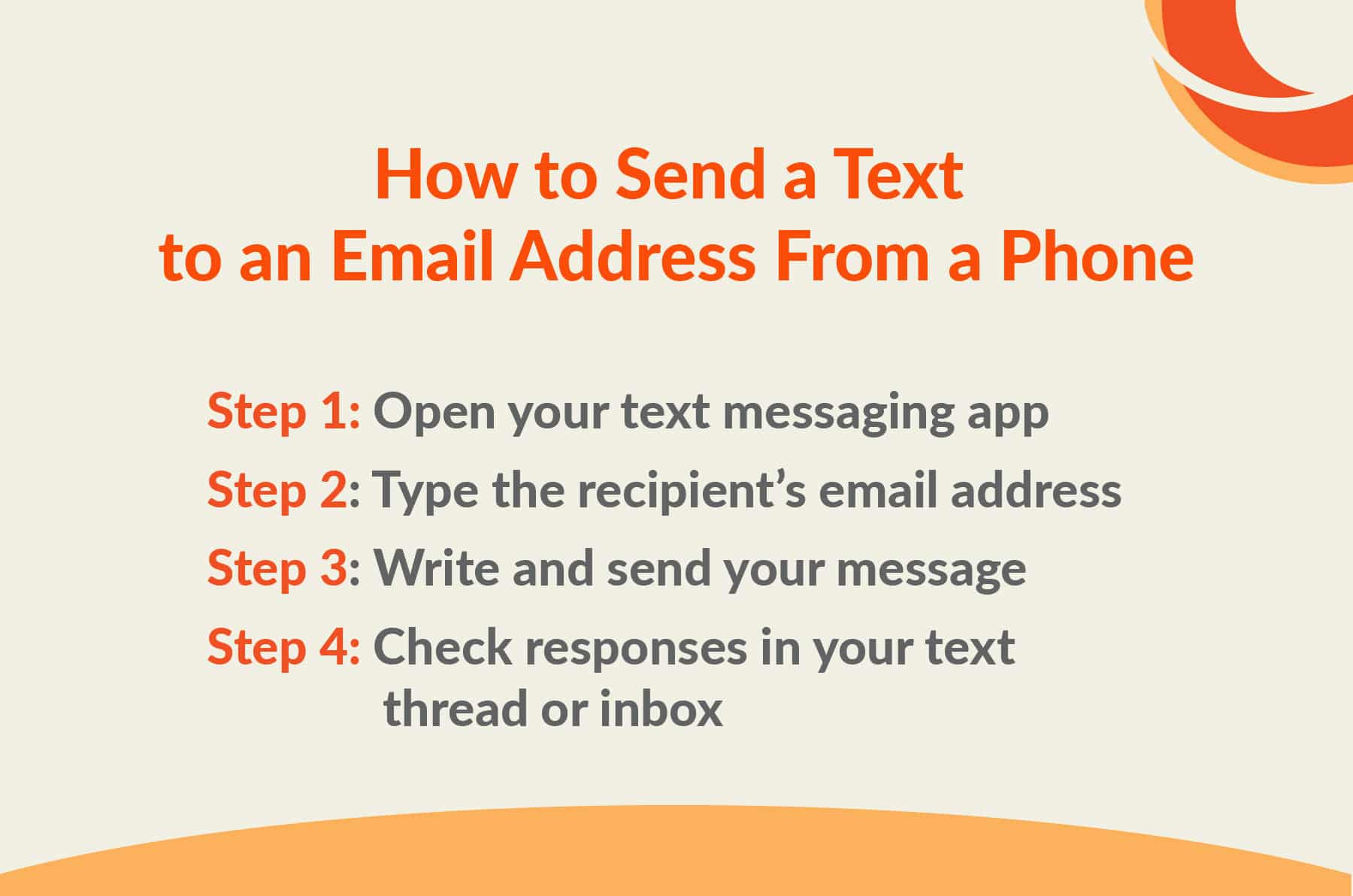
If you’ve ever wondered how to email a text message, you’ll be happy to know it’s actually pretty simple (assuming your carrier and your recipient’s carrier support it).
Here’s how to send a text message to an email recipient from your phone:
-
Step 1: Open your text messaging app
Open your phone’s native texting app, such as iMessage or Google Messages.
Note: If you’re using Google Messages and your texts are sending as RCS, you may need to switch from RCS to SMS to ensure standard SMS behavior.
-
Step 2: Type the recipient’s email address
Click the compose button to start a new text message. However, instead of typing a contact name or phone number into the “To” field, add the contact’s full email address.
-
Step 3: Write and send your message
Tap the text field, and type your message as you usually would, including emojis (if appropriate). When you’re finished, press “send.”
Your recipient will receive your message in their email inbox, likely with your phone number in place of a sender name. It may also include a signature from your carrier indicating that the message was sent from a phone.
-
Step 4: Check responses in your text thread or inbox
If the recipient responds, you should receive it in the same thread. However, each response you send may start a new message thread within their inbox.
How to Send an Email to a Text Message (Reverse Method)
So, you can send a text message to an email, but what about sending a message from an email client to a text recipient? Fortunately, depending on carrier support, this type of messaging usually works both ways.
Often called email-to-SMS, the reverse method of text-to-email allows you to send short messages from your inbox to someone’s phone. That said, like text-to-email, this form of messaging has limitations (especially for businesses engaging in bulk text messaging).
Here’s how email to SMS messaging typically works:
-
Using carrier email-to-SMS gateways
Some U.S. carriers still offer email-to-SMS gateways that convert emails into text messages. To leverage them, you’d add the contact’s phone number (along with the carrier’s gateway domain) into the “To” field, instead of entering a recipient’s email address.
For example, suppose you want to send a text via email to the number 555-012-3456. In that case, you would format the number as: 5550123456@[carrier gateway]
Then, after you enter your message and press “send,” the carrier delivers the email contents as an SMS. However, given that SMS messages have a limit of 160 characters and don’t support rich media, there’s a chance your message may not arrive exactly as you intended. (Additionally, it may not include subject lines or special formatting.)
-
Email formatting examples by major U.S. carriers
I know what you’re thinking. “This is great and all, but how am I supposed to know the carrier’s gateway format?!”
Fortunately, so long as you know a recipient’s phone number and carrier, the rest is pretty easy to find. For example, T-Mobile’s is [phone number]@tmomail.net and Verizon’s is [phone number]@vtext.com.
-
When to use business texting platforms instead
Relying on carrier gateways for text-to-email (and the reverse) can be helpful for individuals sending short messages, but it isn’t the best option for businesses that need to send large volumes of messages at once. Not only is the process much slower and less reliable, but your messages are more likely to be blocked or filtered, and it can violate industry regulations.
Additionally, as I mentioned earlier, not all carriers still support text-to-email or email-to-SMS messaging via SMS gateways. At the time we’re publishing this blog post, at least two major carriers have stopped supporting this feature, and others may soon follow suit. The good news is, with a platform like TrueDialog, you can still send text messages to recipients’ email addresses and receive their responses, too.
Advantages of Using an Enterprise Text-to-Email Solution

While traditional text-to-email and email-to-SMS messaging offer some conveniences, it’s not the best option for businesses. If you want to send text-to-email messages to hundreds or thousands of recipients at once, it’s best to rely on a bulk messaging solution specifically designed to support high-volume, multi-channel campaigns through seamless SMS integrations.
For example, TrueDialog makes it easy for brands to communicate with audiences across several channels, including:
-
Text
Send conversational, one-to-one messages using your 10-digit long code or rapid reminders and alerts via dedicated or branded short codes. The TrueDialog platform supports SMS, MMS, and RCS text messaging. Not sure which rich format is best? MMS vs RCS breaks down the differences.
-
Email
Deliver quick, concise updates via another one of the most-used digital channels to help increase your chances of reaching your contacts at just the right time.
-
Voice
By sending messages via both SMS and text-to-speech, you can ensure your contacts receive important information (such as appointment reminders or critical safety alerts).
-
WhatsApp
While SMS remains the leading universal messaging protocol, WhatsApp offers another way to connect with contacts, both locally and internationally. The platform allows you to send and receive these messages in real-time.
-
Facebook Messenger
Like WhatsApp, Facebook Messenger helps you broaden your reach and connect with millions of highly active users on yet another popular channel. Integrating TrueDialog with Facebook Messenger can also help improve your response times, which is essential for both customer satisfaction and earning the highly coveted “Very Responsive” Facebook badge.
-
Webchat widget
Whether you currently offer support on your website via webchat or you’re considering doing so in the future, TrueDialog can make it easier to manage. Instead of having to log in to another portal, you can respond to webchat messages directly from the TrueDialog platform.
Frequently Asked Questions

-
Can you text an email address?
You can text an email address, but whether the message reaches your recipient depends on the carrier and the method you use. While some mobile carriers still support text-to-email (and email-to-text), at least two major carriers have stopped offering this feature. Additionally, as a business, it can be challenging to send text messages to a large number of email addresses without facing filtering, messaging throttling, and compliance issues, unless you use a trustworthy enterprise SMS platform.
-
Why would someone text an email?
In most cases, people send texts to email addresses for convenience. It can be a quick way to deliver an important message when you don’t have a contact’s phone number, you aren’t sure whether they have access to their mobile device, or they are unable to receive text messages. On the flip side, if you have access to your computer but your phone is out of reach, it may be easier to send a text from your email account.
Additionally, many businesses relied on text-to-email to streamline support workflows and capture all messages (and customer records) in a shared inbox. Fortunately, with enterprise SMS tools, you no longer need to use this method.
-
Can brands send text messages to audiences’ email addresses?
While brands can send text messages to their audience’s email addresses, it’s important to be thoughtful in your approach and use the right platform to send your messages. Even though some carrier gateways still support sending texts to email, this tech isn’t built for business use. And, if you try to send a large volume of messages at once, you can expect slow throughput and unreliable delivery. (Additionally, sending texts this way could violate compliance requirements.)
If you want to send campaigns to both mobile phone contacts and email addresses, it’s best to use an enterprise texting platform, such as TrueDialog, that offers a secure, intentional text-to-email process.
In other words, if you want to send text messages to your audience, use an A2P platform developed for reliable high-volume campaigns.
-
Is it a bad idea to text an email address?
Sending a text to an email address isn’t necessarily a bad idea, but it can be a risky move if you rely on outdated methods or attempt to use person-to-person processes to send a high volume of messages. Since some carriers no longer support text-to-email, and existing carrier gateways were built for individuals to contact other individuals, you may encounter numerous deliverability challenges (and even legal repercussions).
Marketers at large organizations would be better off using a solution that supports multi-channel campaigns (such as text, email, voice, WhatsApp, and more), rather than attempting to text an individual’s email address from a personal device.
-
Is there a limit on the number of texts you can send to email addresses?
Yes, there’s a limit on the number of texts you can send (to email or any other channel), but it depends on how you send them. Text-to-email carrier gateways usually have strict caps on throughput, limiting the number of messages you can send within a given time period. If you attempt to send too many messages at once, you’ll likely experience message throttling and trigger carrier spam filters.
However, business texting platforms like TrueDialog leverage infrastructure that’s specifically designed to support bulk messaging at scale while meeting carrier and regulator requirements.
-
Can I forward a text message to my email?
Yes, most smartphones allow users to manually forward text messages to email, which can be helpful when you need to save important information.
For businesses, however, manual forwarding can become tedious — especially when you need to forward a large number of messages. Instead, opt for a texting platform that supports unified threading (i.e., messages from various channels are centralized in a secure location), eliminating the need to forward your texts.
-
Does TrueDialog support text-to-email?
Yes! TrueDialog enables text-to-email. We are committed to helping organizations meet regulatory requirements with built-in compliance features. For example, with easy opt-in and opt-out, you can ensure you’re only sending messages to contacts who have given explicit consent — regardless of which channel you use to engage.
Ready to level up your multi-channel campaigns? See our award-winning SMS platform in action. Request your demo today.