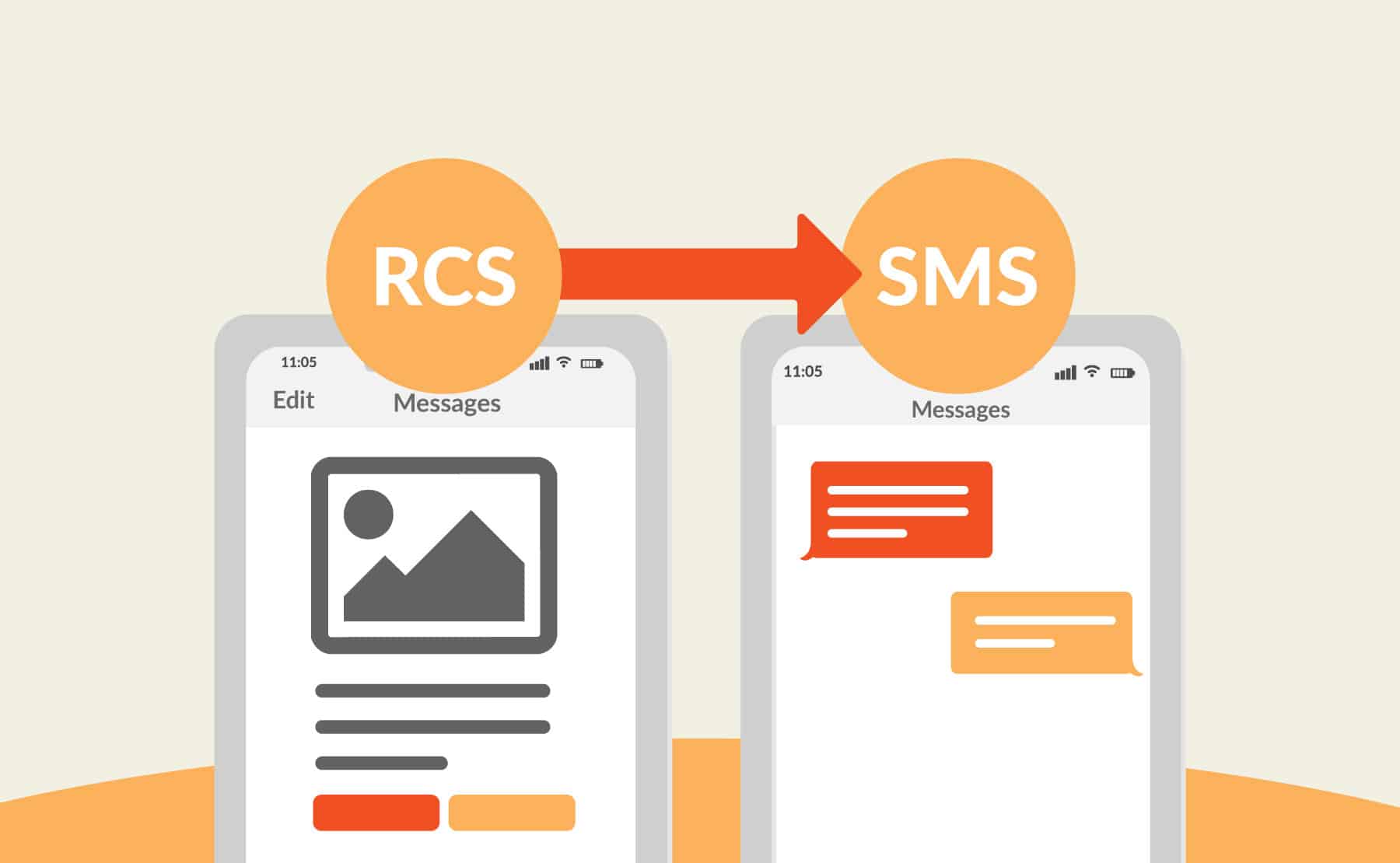

Wondering how to change RCS to SMS? You’re not the only one.
Carriers have been adopting RCS steadily over the past few years, and many experts predict it will eventually surpass SMS. But while this more modern messaging protocol introduces some powerful features for businesses — like more immersive and media-rich texting experiences — it’s not universally supported on every device or by every carrier. As a business, this can be worrisome. After all, you never want even a small fraction of your messages to fail to reach your audience or risk carefully crafted campaigns falling flat.
Here’s the good news: Although SMS is less flashy and supports fewer features than RCS, this older protocol still acts as a reliable backup. And, fortunately, making the switch from RCS to SMS isn’t too complicated when you have the right provider.
In this blog post, we’ll explain how, along with a few key considerations to keep in mind as you navigate the next evolution of text messaging.
If you’re still getting acquainted with the protocol, check out getting started with our RCS guide before making any changes.
What Is RCS Messaging?
Before we dive into the nitty-gritty of how to change from RCS to SMS, let’s take a step back and recap: what exactly is RCS, and why do some devices and carriers still not support it?
RCS (Rich Communication Services) was initially developed as a replacement for both SMS (Short Message Service) and MMS (Multimedia Messaging Service). This upgraded messaging protocol supports high-quality images, videos, and audio as well as read receipts, typing indicators, and other modern features people have grown accustomed to in apps like WhatsApp or iMessage.
Quite simply, it’s the future of text messaging — and businesses that send mass SMS campaigns should consider upgrading to RCS.
Why Don’t All Carriers and Devices Support RCS?
While almost every mobile phone and carrier supports SMS, they’ve been much slower to adopt RCS. Despite hopes for the new protocol to overtake SMS and MMS, there are a few reasons this hasn’t yet happened:
-
RCS requires expensive investments in new tech
Supporting RCS often means upgrading to new backend systems and infrastructure, which can be cost-prohibitive for smaller telecom carriers.
-
The RCS adoption process has been tedious and disjointed
Clunky rollouts have led to confusion and inconsistent user experiences between devices or native messaging solutions (like Samsung Messages and Google Messages).
-
Older or simpler devices aren’t RCS-compatible
Some older mobile phones lack the hardware necessary for RCS messaging. In other words, even if their carrier supports RCS, they still wouldn’t be able to receive those messages.
The good news is that these cases are becoming fewer and farther between as industry players recognize the incredible power of RCS.
What Is SMS and When Should You Use It Instead?
SMS is the original text messaging protocol and remains the universal standard. Unlike RCS, SMS sends and receives messages over a cellular network (rather than a data or internet connection), which makes it more reliable in areas where internet connections are spotty or bandwidth is limited. It’s also more predictable because, regardless of the device someone owns or the carrier they use, they’ll still be able to receive an SMS.
In most cases, these two reasons are the catalyst behind a brand researching how to switch from RCS to SMS.
Key Differences Between SMS and RCS

When you compare RCS vs. SMS, you’ll notice that each messaging protocol has its benefits and drawbacks. Here are a few of the most important differences between the two:
-
Types of messages supported
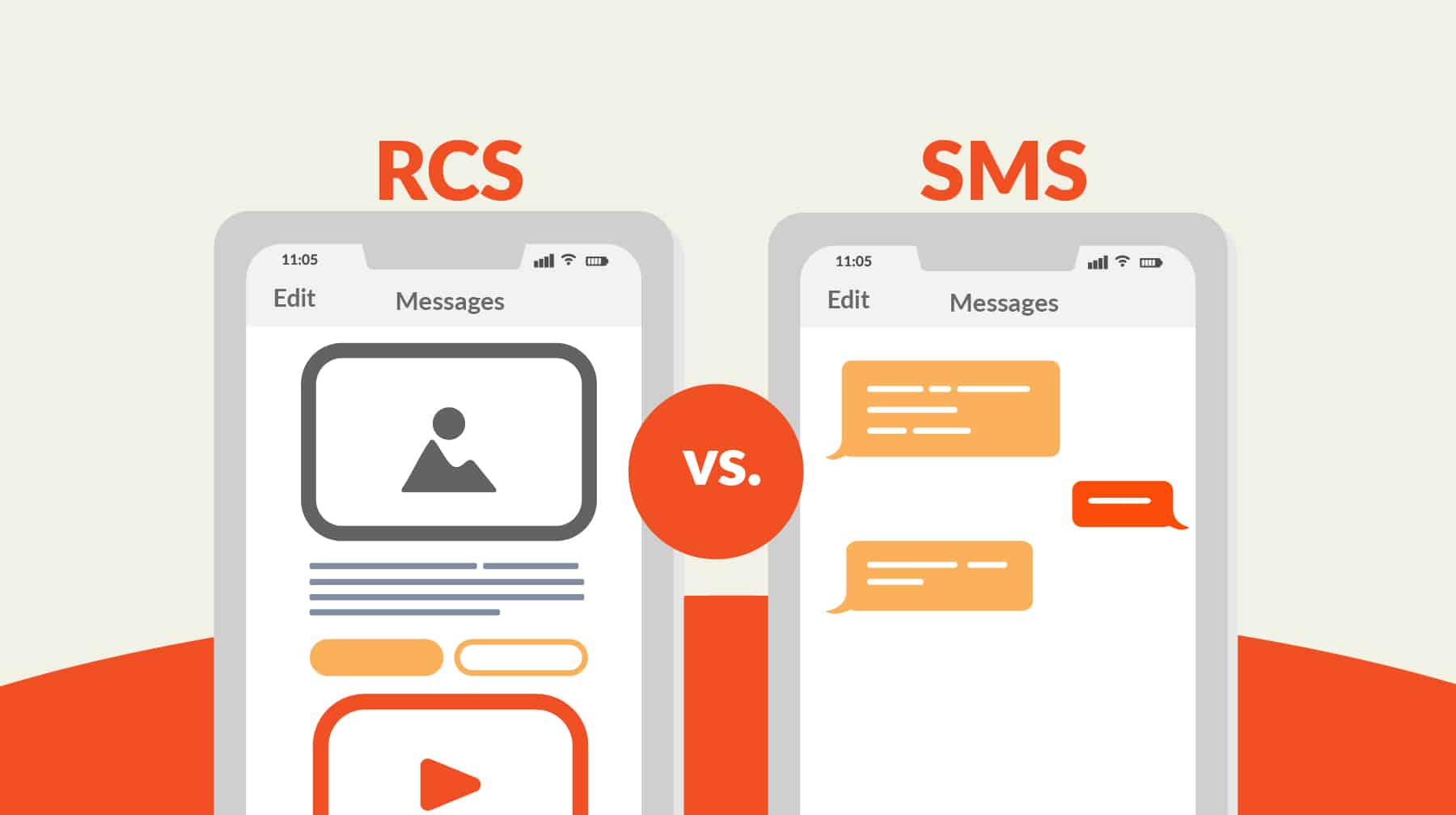
The biggest edge RCS has over SMS is that it supports rich media — including high-resolution images, videos, GIFs, audio, and even PDFs. Meanwhile, SMS is limited to plain text-only messages. And while RCS messages can be as long as 3,072 characters, SMS has a much stricter 160-character limit.
-
Interactive features
RCS was designed to mimic the more modern and interactive messaging experience users have grown accustomed to with third-party messaging apps. It displays typing indicators (so you know when the other party is composing a message), read receipts (so you know when recipients have engaged with the content you shared), and delivery receipts (so you can see that the message made it to the recipient’s device).
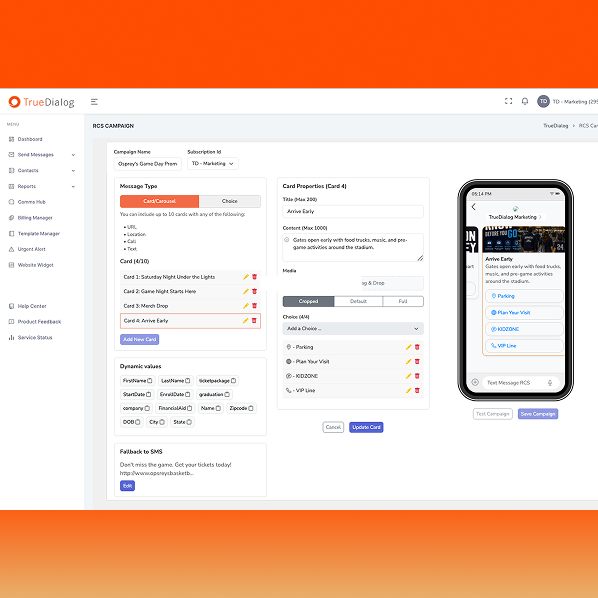
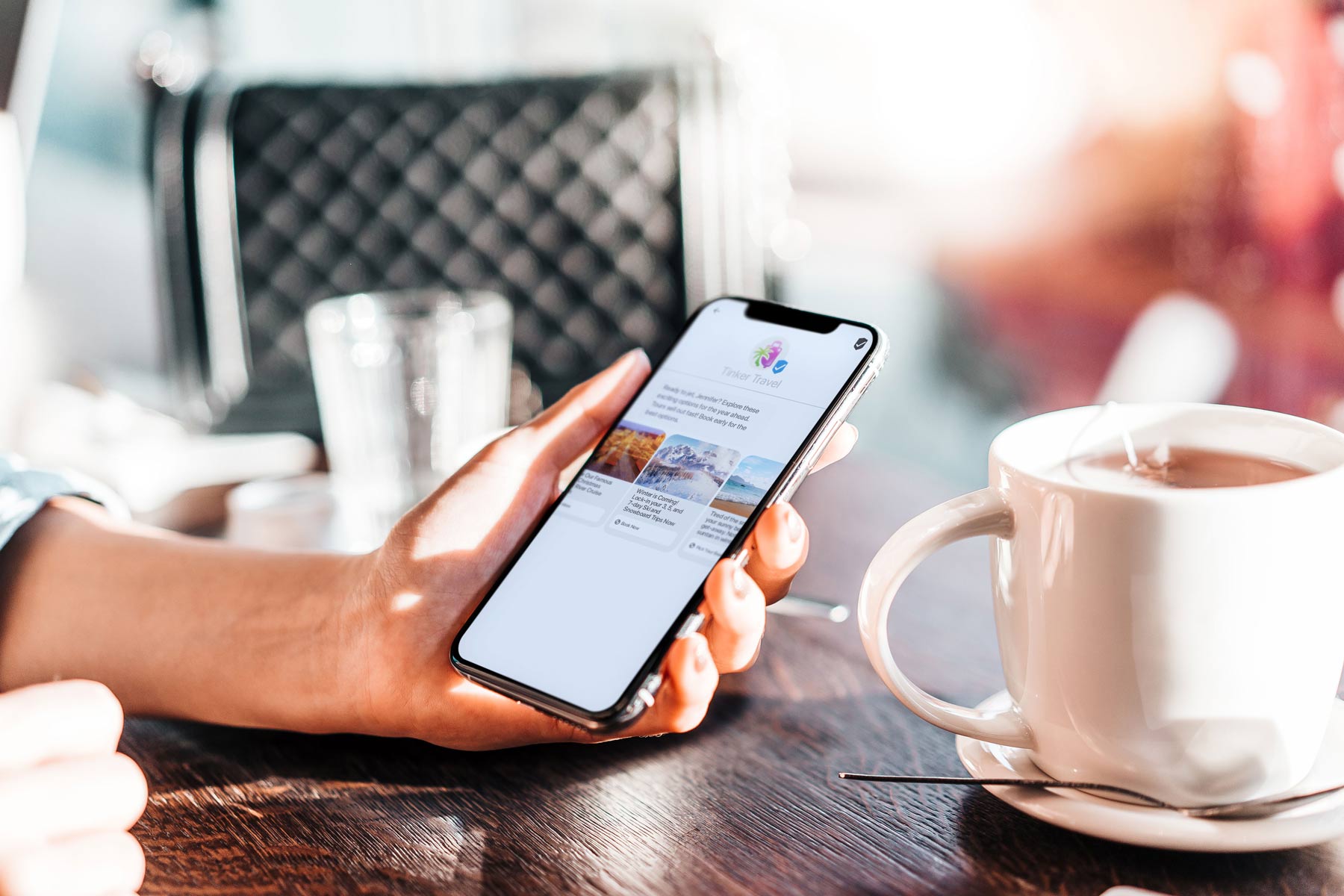
Businesses can also create image carousels with a unique message and CTA on each image, as well as branded chat experiences that display their logo and brand colors in the message window.
-
Network requirements
RCS can support interactive features and transmit large files because it relies on data and internet connections. But this can put the protocol at a disadvantage when the sender or recipient can’t reliably connect to the internet or a data network. SMS, on the other hand, uses cellular networks, which cover almost every inhabited area on Earth.
-
Security
Security has long been a challenge for SMS. Because messages are not encrypted, there’s a chance someone could intercept your message content as it travels between devices — which is one reason people are often warned not to send sensitive information (such as their credit card details or Social Security numbers) via text messages.
RCS, however, encrypts messages during transit — and some providers also support end-to-end encryption of RCS messages. And while you should still avoid sharing sensitive information via this messaging protocol, it can give both businesses and individuals a little extra peace of mind.
Of course, as a business, it’s essential you have every possible layer of security. That’s why it’s smart to leverage an enterprise bulk messaging platform like TrueDialog, which has built-in security measures and can help make sure you meet the Telephone Consumer Protection Act (TCPA) guidelines. Regardless of whether you use SMS or RCS, having these vital safeguards in place will help mitigate your risk.
-
Message deliverability
As stated earlier, SMS is universally supported, compatible with nearly all mobile devices, and uses cellular networks. For these reasons, SMS messages are much more reliable and offer a strong deliverability rate.
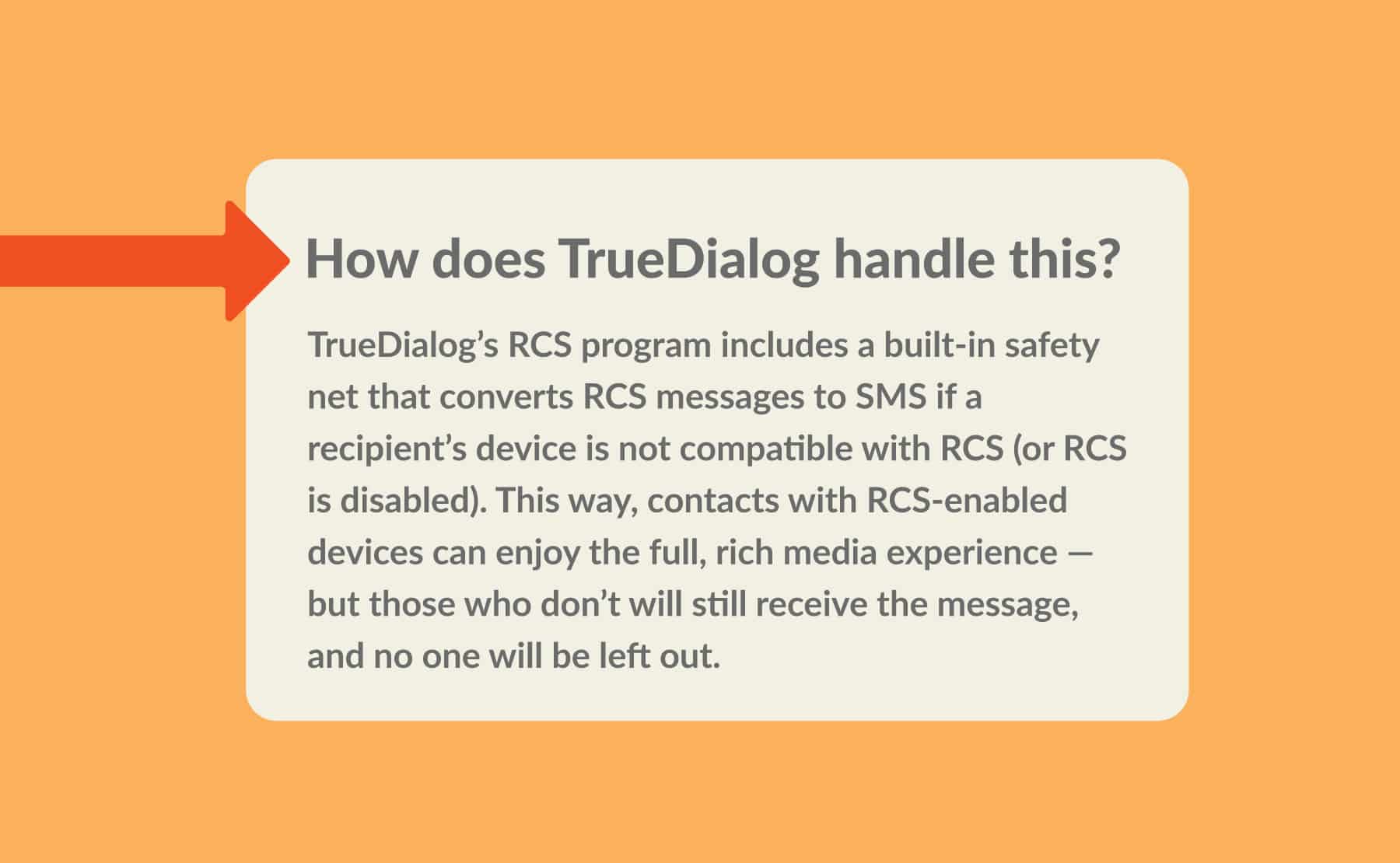
That’s why, when RCS messages can’t be delivered, carriers often attempt to send them as an SMS instead. Unfortunately, this process strips away any rich media content — and some messages may not have the same impact when delivered as plain text (like, for example, more visually driven campaigns). However, having SMS as a backup ensures your message will still reach those who can’t yet receive RCS messages.
Scenarios Where SMS Is More Reliable
RCS offers plenty of benefits, especially for businesses that want to send more interactive and modern campaigns — but SMS will likely long remain the standard backup. Here are a few scenarios that illustrate why having SMS as a fallback is beneficial:
-
Reaching a broader, more diverse audience
Many audiences are composed of people who use a wide variety of devices, operating systems, and carriers. If that sounds like your audience, then sending an SMS helps make sure your campaigns reach every intended recipient — and ensuring you have SMS for customer service ensures that all of your contacts can get the help they need.
-
Sending time-sensitive alerts
Since SMS is universally supported, it’s a great fallback when you need to communicate urgent information, like emergency alerts or critical notifications. For example, a university might use text messages to warn students about extreme weather or campus safety issues, and a bank might send overdraft alerts to customers before they rack up fees. With SMS as a backup, these organizations can rest assured that their contacts won’t miss these essential messages.
-
Reaching recipients in low connectivity environments
SMS is excellent as a backup for situations when your audience may have less reliable internet or data network access. For example, a sports venue might opt for SMS when texting event attendees about parking or special offers, since internet and data network congestion is common in crowded spaces. Or, a B2B software provider might use SMS to send two-factor authentication codes to customers, who are often logging in while traveling and not connected to Wi-Fi.
How to Switch from RCS to SMS (Step-by-Step)
Now that we’ve tackled why you might want to make the switch, here are instructions on how to change RCS to SMS on an Android or iPhone.
For Android Messages App Users
If you no longer want to use RCS, here’s how to switch to SMS on Android:
- Open the Google Messages app (which is the default messages app on most Android phones).
- Tap your profile icon. (Depending on your device or operating system version, this might be a three-dot menu in the top-right corner.)
- Tap “Messages settings.”
- Select “Chat features” or “RCS chats.”
- Switch the “Enable chat features” to “Off.” (You may also be prompted to confirm your choice.)
- Restart your device to ensure the changes have taken effect.
For Samsung Messages App Users
Some devices may use Samsung Messages as the default messenger. In that case, follow these steps:
- Open the Samsung Messages app.
- Tap the three-dot menu in the top-right corner.
- Select “Settings.”
- Tap “Chat settings” or “Chat messages.”
- Switch the “Chat features” or “Rich Communication Settings” to “Off.” (If prompted, confirm the change.)
- Restart your device to ensure the changes have taken effect.
For iPhone iMessage Users
- Open “Settings.”
- Scroll down and select “Apps.” (Which is usually at the bottom.)
- Select “Messages.”
- Select “RCS Messaging.”
- Toggle off the “RCS Messaging” and “RCS Business Messaging” (so that the switch is gray instead of green).
If you’re wondering how to change from SMS to RCS, follow the instructions above, but make sure RCS is toggled to the “on” position. (Note that this won’t turn SMS off. Messages can still default to SMS/MMS if the carrier runs into deliverability issues with an RCS message.)
Troubleshooting RCS Issues Before Switching
Keep in mind that once you turn off RCS, you won’t be able to send rich media messages from your phone — and when someone sends an RCS message to you, it will default to SMS (or fail entirely). Additionally, there may be another culprit behind your message delays and failures. So, before you switch off RCS, try these troubleshooting tips:
-
Check your internet connection
RCS requires an internet or data connection to send and receive messages, so make sure you’re connected and have a stable signal.
-
Restart your device
Sometimes all you need is a quick reboot to resolve temporary glitches.
-
Toggle your airplane mode on and off
Turning on airplane mode and then turning it off again will help you reconnect to the RCS server.
-
Update your messages app or operating system
Using an out-of-date messaging app or operating system can prevent you from reliably sending and receiving RCS messages. Verify that you’re on the latest versions of both and, if not, take a moment to update them.
-
Remove and reinsert your SIM card
If your phone uses a physical SIM card, removing it and then reinstalling it can help fix carrier configuration issues.
-
Determine whether RCS is enabled
Some carriers or operating system updates automatically enable RCS on your device — but not always. In some cases, your delivery issues may stem from the fact that you never manually enabled RCS in the first place.
Why Businesses Should Care About Message Protocols
At first, SMS, MMS, and RCS can seem like unimportant technical details. Why bother learning how to change RCS to SMS? After all, if most carriers default to SMS, can’t you send all your messages as RCS and hope for the best?
The fact is, the message protocol you choose will have a direct impact on how your campaigns reach your audience, or whether messages reach them at all. Understanding how these protocols work — and taking into account their features and compatibility requirements — helps you decide when to use each one and make sure your messages are delivered as intended. Even if you ultimately choose to use RCS, understanding that it may default to SMS can affect your copy choices. And knowing about deliverability issues can help you set more realistic expectations and campaign goals.
Additionally, by partnering with a business mass texting provider like TrueDialog, you can level up the experience no matter what protocol you choose. Because our software natively integrates with popular solutions (like Salesforce, Marketo, and HubSpot SMS), you’ll enjoy a smoother, more streamlined workflow.
Interested in learning more? Request a demo to see our powerful SMS platform in action.