
When you work hard to craft a just-right marketing or customer service message, only to learn your text message failed to send, it’s disappointing. Obviously, you want to understand why the message failed and what you can do about it.
Text messages fail to send for a number of reasons. We’ll walk you through some of the most common issues that cause an undeliverable text message error, and what steps you can take to avoid the most frequent problems.
Quick Triage: Is It Failed to Send, Sent but Not Delivered, or Delivered but Not Seen?
The combo of SMS (short message service) tracking data and analytics from a good SMS platform can give you an idea of what kind of problem you’re facing. To start, consider what type of error message you received:
- Failed delivery: If your message failed to send, that tells you the problem likely happened at the carrier level. That often means a technical issue like a network outage.
- Undelivered: An undeliverable text message error suggests the carrier tried to pass your message along, but some issue occurred before it could reach your recipient. That often points to an issue with the number itself (e.g. it’s invalid or a landline).
- Not seen: If you have an enterprise messaging platform, you may also have reporting features that let you know when a message reaches your recipient’s device, but they fail to open it. A message that’s delivered, but not seen, can point to a different kind of issue, like a consumer who feels they’re getting too many texts from you. Although sometimes it just means they haven’t had a chance to look yet.
The best way to address a failed message will depend on which category it falls into. For even more information on why your texts are failing to send, most messaging platforms will provide delivery error codes to help you get to the bottom of things.
Text Message Failed to Send? Common Fixes to Start With
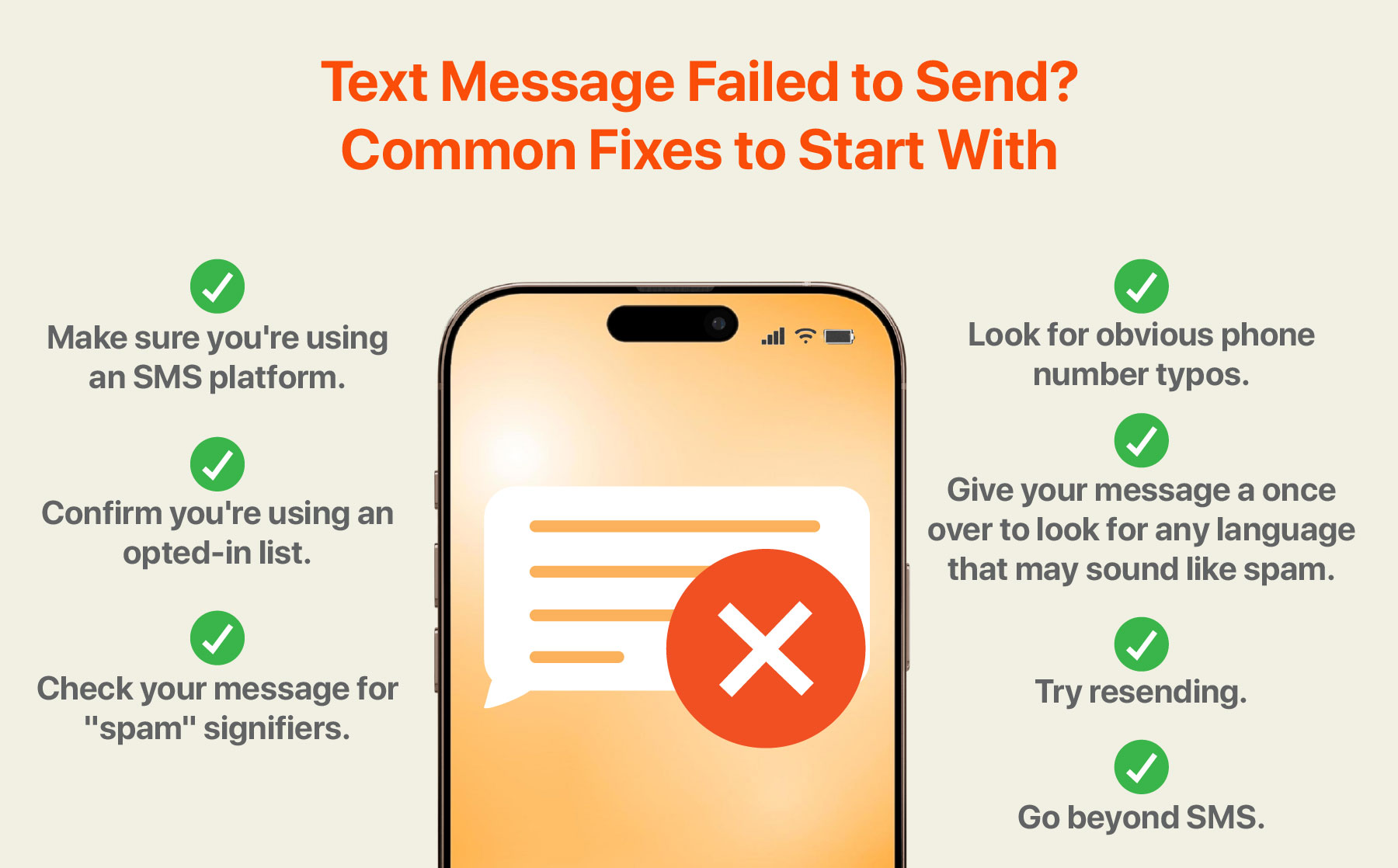
We’ll get deeper into some of the most common reasons why text messages fail to send. But before we explore the problems, many SMS delivery issues can be addressed with seven main solutions:
- Make sure you’re using an SMS platform.
A successful business SMS strategy can be more complicated than many realize at first. You have to think about formatting issues, compliance concerns, how to track performance — it can all be overwhelming. The right SMS platform includes features that can take a lot of those concerns off your plate, help you learn best practices faster, and gain the insights you need to improve campaigns as you go. - Check that you’re using a registered number.
If you’re sending mass texts to consumers, you can’t use just any phone number. To stay on the right side of regulatory and compliance issues, you need a registered number that carriers recognize as coming from a legitimate brand. - Confirm you’re using an opted-in list.
People don’t respond well to getting text messages they didn’t opt into receiving, and carriers often won’t let them get through to begin with. Any brand sending text messages to prospects and customers must do the work to build a list the right way — by giving people the chance to opt in before you send them anything. - Look for obvious phone number typos.
A lot of undeliverable text messages can be traced to simple typos or wrong numbers. Give your list a quick look to see if you can spot any missing digits, formatting issues, or other clear giveaways that a number is wrong. - Check your message for “spam” signifiers.
Give your message a once over to look for any language that may sound like spam. Do you use terms like “free” or “limited time offer”? Is anything in all caps or are there multiple exclamation points? Cut out anything that may look suspicious. - Try resending.
Some message failure issues are temporary, like a recipient being outside of their service area or having their phone turned off. Sometimes the fix is as easy as resending the message again a few minutes or hours later. - Go beyond SMS.
One of the benefits of investing in an SMS platform is that it opens up options beyond SMS. You can weigh the differences between SMS vs MMS (Multimedia Messaging Service) for when you want to include images or video, or consider RCS (Rich Communication Services), which relies on the internet rather than cell service. You can also use a text message API that connects you to apps and services that extend your functionality, including the ability to set up automations and make your text interactions more interactive.
Why is My Message Not Delivering? 4 Main Categories of Message Send Failure
The fixes above will help you solve most potential issues, but if you still face problems, a little extra research will help you identify the specific problem behind that undeliverable text message error.
Invalid Numbers and List Hygiene (Silent Delivery Killers)
One of the most common reasons why a text fails to send is an issue with the recipient’s phone number. This can happen for a number of reasons:
- Wrong numbers: A consumer that signed up for your list via an online form may have entered the number wrong, or someone internal may have copied the number incorrectly into your database. Looking for potential typos in the numbers on your list can help you clean up some of your failed SMS issues.
- Outdated numbers: People change phone numbers for any number of reasons. That number they gave you a year ago may simply no longer be in use.
- Incorrect formatting: If your phone number formatting isn’t consistent across your whole list, that could impact message failure rates. The way a consumer entered their area or country code could throw off how your SMS platform processes the number, leading to an undeliverable text message error.
- Landlines: While they’ve become increasingly rare in recent years, landline phone numbers that can’t accept text messages do still exist. Some customers could have mistakenly provided you with a landline instead of their mobile phone.
Device & Recipient-Side Issues (Rule Out Local Problems)
Sometimes the problem has nothing to do with your list or message and is because of an issue with the recipient’s carrier or device.
- Network problems: In some cases, a message send failure happens because of technical issues with the network. That could mean a temporary outage due to a storm or maintenance issue, network congestion during a peak messaging period, or SMS routing errors. If your recipient is in an area without service, that’s another reason why your message could keep failing to send.
- DND (Do not Disturb) settings: People now have the option to set their phone to DND to reduce interruptions, which can block your message for as long as the setting is active.
- Phone turned off: While many people now keep their phones on and charged throughout the day, occasionally your text message could fail to send because the recipient’s phone is turned off.
- Out of storage: Some consumers have phones with limited SMS storage. If their phone doesn’t have space for your text message, the text will fail to send.
- Billing issues: If someone on your list fell behind on their phone payments or uses a prepaid plan that ran out of funds, they won’t be able to receive messages until payment is made.
- Roaming restrictions: Depending on a person’s mobile plan and where they go, traveling internationally could limit their ability to receive texts for as long as they’re “roaming.”
Compliance Issues (Avoid Carrier Blocking)
As a business, you can’t just text anybody anything. You must obey the laws that define the types of SMS messaging allowed and who you can contact. If you don’t follow them, carriers will often block the message.
That “SMS not delivered” error could point to a SMS compliance issue like:
- Wrong type of number: When you send a text message to a friend, that’s called P2P (peer-to-peer) messaging, and carriers treat it differently than the mass SMS messaging brands do with customers and prospects. For your business texts to successfully get through, you need to have a registered number that meets the government’s specifications for mass texting.
- Recipient not opted in: You may be tempted by offers to buy “qualified” lists of numbers. Don’t. One of the most important rules to SMS marketing is to only text people who have opted in. And if someone later opts out, you have to respect that. Focus on building your list with incentives and features like Text to Join that make signing up easy on your target audience.
- Geographic restrictions: Some countries place regulatory restrictions on when you can text users, and what types of texts are allowed. If some of the numbers on your list are international, that may be a reason why your message is not delivering.
Carrier Filtering (Don’t Be Marked “Spam”)
Compliance is important, but it’s not the only issue your messages could be blocked over. Carriers have filters designed to keep messages that look like spam from reaching people. If your message keeps failing to send, it could fall into this category.
- Spammy content: Terms that are overrepresented in spam and sales emails like “free” or “limited time” can ping spam filters, as can using ALL CAPS in your messages, or too many exclamation points.
- Suspicious links: Using a URL shortener like bit.ly may seem like a good way to reduce your character count, but since it obscures information about where your link goes, it can make your text look more suspicious to carriers. Using your own domain or a more respected link shortener for links in text messages is a safer bet.
- Prohibited content: Carriers will block messages that include illegal or questionable topics like drugs, criminal activity, or adult content.
- Too many messages: Sending a high volume of messages can also trigger spam filters. Carriers sometimes limit how many messages they’ll pass along to a recipient to minimize spam risk.
- Encoding or formatting issue: If your message is encoded wrong, includes more characters than are allowed, or has characters the recipient’s system doesn’t recognize (like unsupported symbols or emojis), that could also lead to message send failure.
How to Prevent It Next Time: A Deliverability Playbook
A few deliverability issues are beyond your control. If a consumer opts out of your list or changes their number entirely, there’s not a lot you can do about it. But often when an SMS message is not delivered, it’s because of a problem you can avoid.
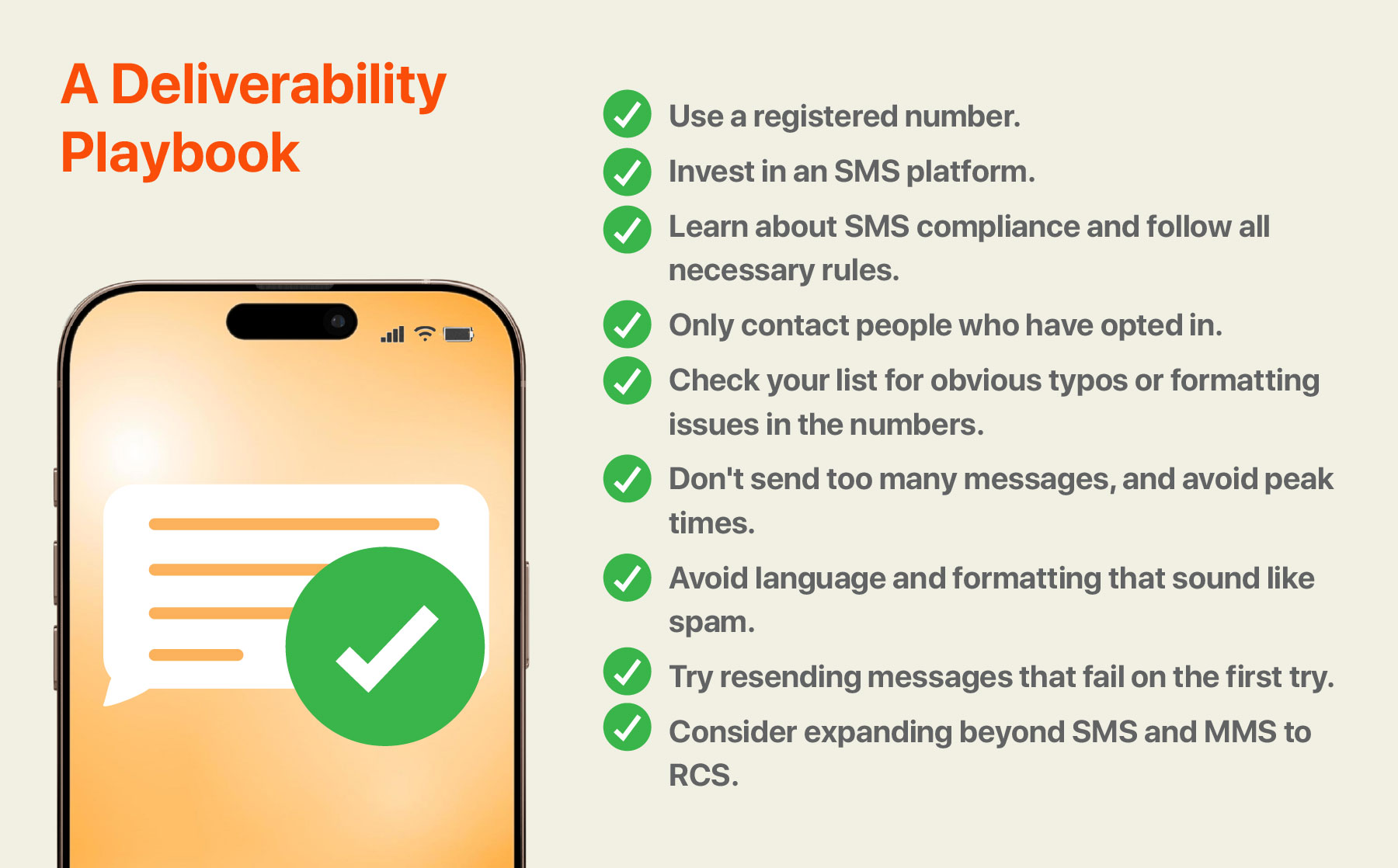
To reiterate and summarize a few of the text messaging best practices we’ve covered that can help you prevent message failure:
- Use a registered number.
- Invest in an SMS platform.
- Learn about SMS compliance and follow all necessary rules.
- Only contact people who have opted in.
- Check your list for obvious typos or formatting issues in the numbers.
- Don’t send too many messages, and avoid peak times.
- Avoid language and formatting that sound like spam.
- Try resending messages that fail on the first try.
- Consider expanding beyond SMS and MMS to RCS.
Bonus Tip: Use TrueDelivery®
Businesses that choose TrueDialog as their SMS platform get the benefit of TrueDelivery®, a feature that proactively assesses messages before they go out, giving you the chance to correct potential deliverability issues in advance. The platform also makes it easy to build a compliant list and get set up with a registered number, to help you stay on the right side of all regulations.
FAQs
Why do my texts keep failing to send?
To get to the bottom of why your texts are failing to send, check the error messages provided by your SMS platform. Some of the most common culprits for message send failure are invalid numbers, local network issues, or sending messages that look too much like spam.
Why are my messages failing to send only to some numbers?
You may have incorrect numbers on your list due to common errors like formatting issues or missing digits. Another possibility is a problem on the recipient’s end, like a temporary outage or a billing issue that keeps them from receiving texts, or even that the number you’ve texted is a landline.
Can links cause SMS delivery failures?
Yes. Links are commonly included in scam emails, which makes carriers weary of passing them along. Plus, popular link shorteners can look suspect because they obscure where the link is going. Making sure links point to your own domain, or using a respected link shortening tool, can reduce the risk of delivery failure. Another option to improve link deliverability is using RCS, which gives brands the option to become “verified senders” that carriers and recipients alike know they can trust.
How do I fix undeliverable text message errors quickly?
It depends on the issue causing the fix, but some of the fastest fixes to try are resending the text again, checking if the number looks correct, or editing your message to remove elements that may look like spam.