
When we talk about rich communication services (RCS), it’s easy to focus on the flashy features, like being able to send high-resolution videos, image carousels, and customized CTAs directly within your recipient’s native text messaging app. But some of this messaging protocol’s most valuable features are surprisingly simple.
Take RCS message check marks, for example. (Or, more aptly, what these symbols actually stand for.) Unlike traditional SMS messaging, RCS gives you deeper insight into what happens after you press “send.” As a marketer, being able to decode icons and check marks on text messages can be incredibly useful.
Here’s what you need to know:
What RCS Message Check Marks Are
RCS check marks are symbols that usually appear just beneath a sent message to help senders understand what has happened to the message since it left their device or RCS and SMS platform. These symbols are designed to give you visibility into the stage of a message’s journey: whether it was sent, delivered to your recipient, and opened (or read). If you’ve used third-party messaging apps like WhatsApp or Facebook Messenger, you’re likely already familiar with this concept.
As a brand, having this insight can be incredibly valuable for understanding how your messaging campaigns are performing on a technical level (i.e., whether they’re being delivered) and on a performance level (i.e., whether your audience is opening and engaging with your content).
For example, if the vast majority of your recipients are opening your messages but not taking any action, that could be a sign that your message or offer isn’t clear or compelling enough. But if they aren’t even being delivered, there may be an issue with the carrier or with the recipient’s internet connection. (In which case, you might see the “Sent as SMS” status, which indicates that the system used an SMS fallback to deliver your text.)
What Each RCS Check Mark Means
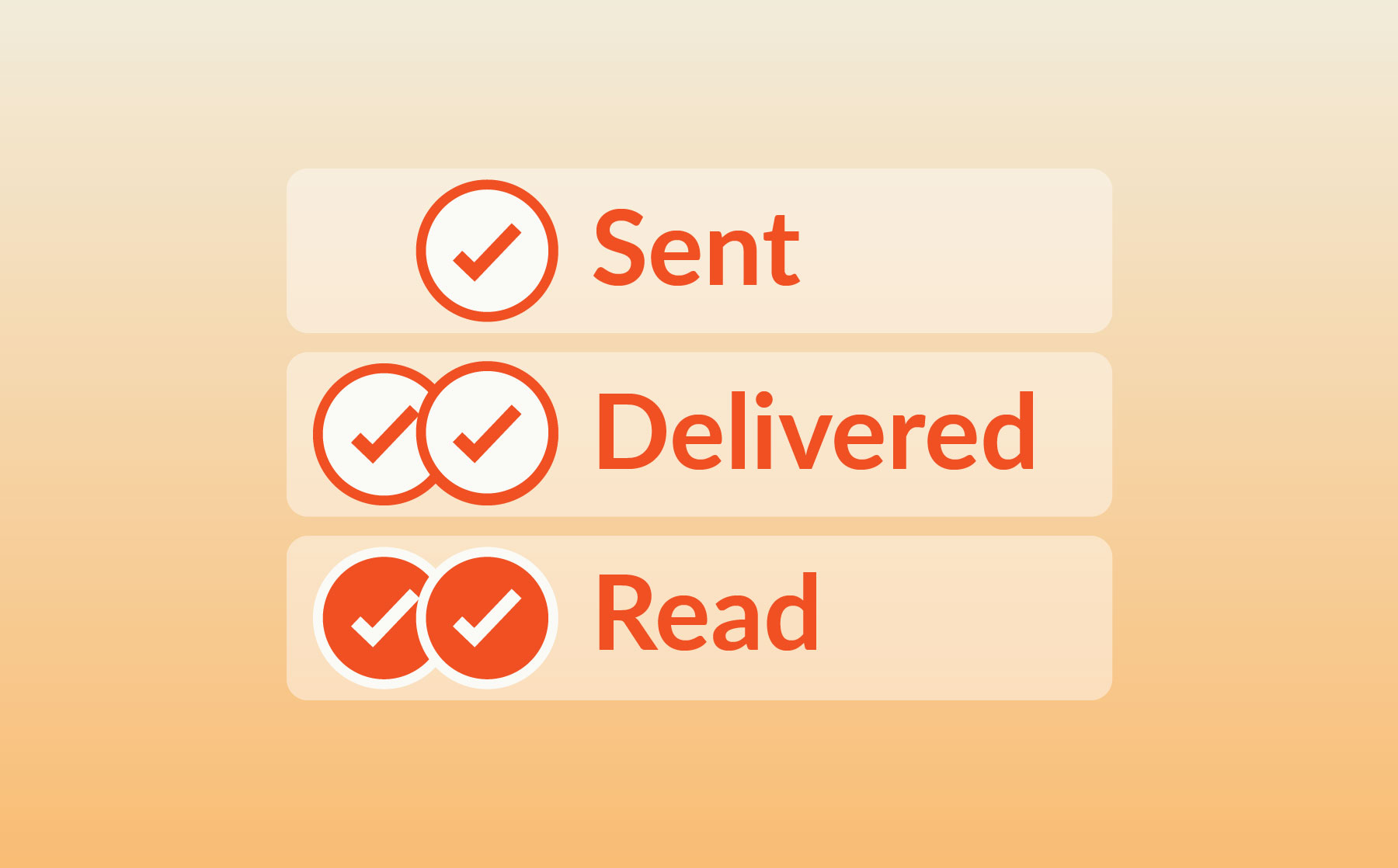
As you’ve probably noticed, there isn’t just one type of check mark symbol. Here’s what each symbol actually indicates:
One Check Mark Means Sent
If you see a single check mark beneath your message, it means the message was successfully sent from your platform and accepted by the carrier for delivery. At this stage, the message is technically still en route. Think of it as confirmation that you’ve dropped a package at the post office, but it hasn’t reached its destination yet.
Two Check Marks Mean Delivered
If you see 2 check marks on text messages, that means the message has officially been delivered to your recipient’s device. Of course, they may not have opened or read the message yet, or even seen a notification that they have a new message. But you can be confident that it successfully arrived, like a package being dropped off on a recipient’s front porch.
Read Status Means the Message was Opened
If you see two check marks that have been filled in or changed color (such as from gray to blue), it’s time to celebrate (or hold your breath, depending on the content). This symbol means your recipient has opened and viewed your message.
However, there’s an important caveat: users can turn off read receipts. In those cases, you’ll still see the RCS double check mark, but the status won’t change if/when your contact engages with your message.
How Google Messages Check Marks Work on Android
When sending RCS messages on Google Messages, you’ll likely see the following text message delivery symbols:
- A timer/stopwatch symbol indicates that your message is currently being sent.
- A single check mark shows that your message was sent to Google’s server.
- A double check mark means your message was successfully delivered to your recipient’s device.
- A filled or colored double check mark indicates that the recipient has opened and read your message.
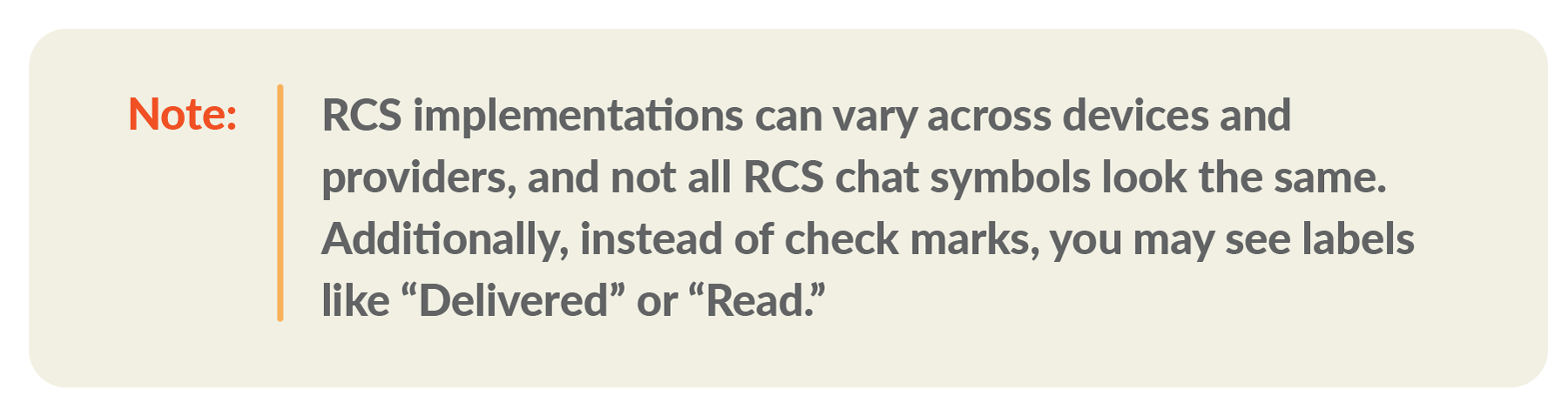
That said, it’s worth noting that Google has changed its message status icons over time, and the exact icons you or your recipient will see may vary depending on the version of the app. (In other words, not all Google Messages check marks or icons look the same.)
RCS Check Marks vs SMS Delivery Symbols
One of the key differences between RCS vs. MMS or SMS is the insight you have into what happens with your messages after they’re sent. As a newer, more modern messaging protocol, RCS gives you better visibility into how your audience engages with the messaging experience — and it all starts with RCS check marks.
SMS and MMS, on the other hand, generally do not display check marks or read receipts in the messaging app. However, businesses can usually access delivery confirmations and other data through their enterprise messaging platform. For example, TrueDialog’s reporting provides you with delivery metrics and makes it easy to create trackable links.
Why You May Not See Check Marks on Text Messages
If you don’t see RCS message check marks, there’s usually a good reason. Here are a few examples to help you troubleshoot:
The Recipient Disabled RCS Chat
Carriers cannot deliver messages in RCS format if your recipient doesn’t have RCS turned on. And while it’s often now automatically enabled on most RCS-compatible devices, some users may choose to turn it off. (In some cases, people temporarily disable RCS when they’re dealing with unreliable internet access and want to be sure their messages are sent and received as SMS or MMS instead.)
The Other Person is Not Using RCS
RCS is a two-way experience. In other words, RCS check marks only appear when your message is sent and delivered as RCS. If the message defaults to SMS because the recipient isn’t using RCS, you won’t see the same message status indicators.
Device, Carrier, or App Support is Limited
North American RCS adoption has grown significantly over the past couple of years, and today, nearly all new devices and major carriers support this messaging protocol. However, RCS adoption is not yet universal, and you may still have a few recipients who cannot receive RCS messages. (Which is why it’s crucial you set up SMS fallback.) In those scenarios, you likely won’t see message status indicators.
Read Receipts are Turned Off
One of the most common reasons for not seeing RCS message check marks? Your recipient has turned off their read receipts. In this case, you’ll still see that your messages have been sent and delivered, but you won’t receive any confirmation that they’ve been opened or read.
RCS Check Marks vs Verified Sender Badges
In addition to message status indicators, there’s another check mark you and your audience might see when engaging via RCS: the verified sender badge. This check symbol usually appears next to an organization’s name and logo in the messaging experience and next to the brand’s name in the message preview.
This badge proves that a sender has been thoroughly authenticated and verified by carriers as a legitimate organization. It’s a helpful trust indicator for audiences, especially in an era when consumers are being bombarded with spam texts and falling victim to highly convincing impersonation scams.
What RCS Message Check Marks Can and Cannot Confirm
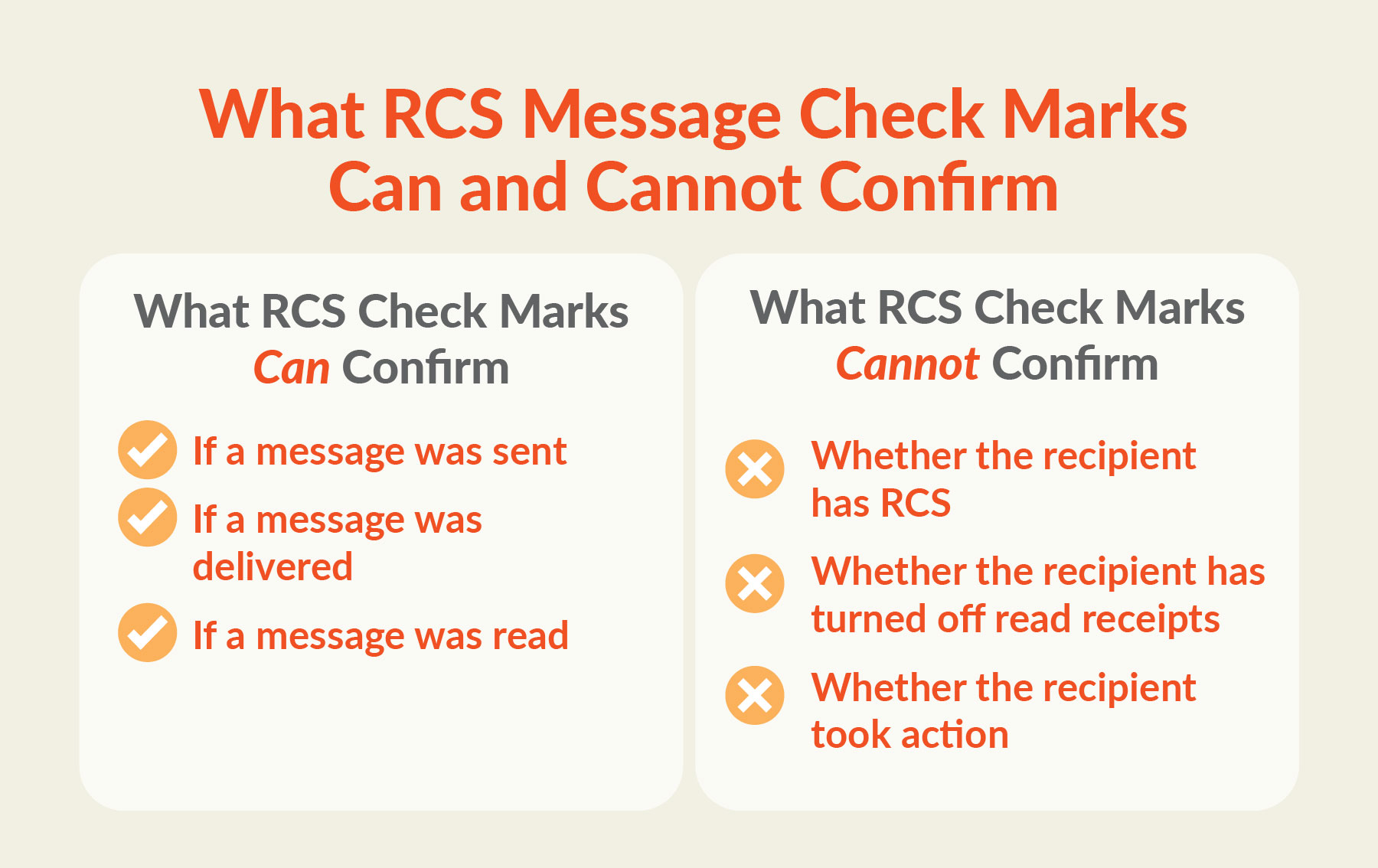
While RCS message check marks can tell you a lot about a message’s status, they don’t tell you everything.
What RCS Check Marks Can Confirm
When you send an RCS message to a recipient who can receive RCS messages, status indicators can tell you:
-
If a message was sent
Message indicators can show whether the message was successfully sent from your device or platform. (Usually this shows up as a single check mark.)
-
If a message was delivered
If the message reached your recipient’s device, you’ll have confirmation. (Typically in the form of a double check mark.)
-
If a message was read
So long as the recipient has read receipts enabled, you’ll know when they’ve viewed the message. (This often appears as a double check mark that’s filled in or turned blue.)
What RCS Check Marks Cannot Confirm
Despite providing more transparency into what happens after you send a message, RCS indicators cannot tell you:
-
Whether the recipient has RCS
The absence of message status indicators is usually a pretty good sign that your recipient doesn’t have an RCS-compatible device or that their carrier doesn’t support it. But it could also mean they’re temporarily without reliable internet access, have turned off RCS capabilities, or there’s another technical issue preventing your message from being delivered as RCS.
-
Whether the recipient has turned off read receipts
If you see a double check mark indicating the carrier delivered your message, but the status never updates to show the recipient has read it, that could mean either the recipient didn’t open the message, or they’ve disabled read receipts. (Unfortunately, there’s no way to confirm which.)
-
Whether the recipient took action
Check marks (or other message status symbols) can’t tell you whether a recipient scrolled through an image carousel or clicked a CTA. However, since RCS enables richer analytics (such as when and if someone engaged with a specific element of your message), you should be able to access this data through your enterprise messaging platform’s reporting feature.
FAQs
What do RCS message check marks mean?
RCS check marks have different meanings depending on where and how they appear. One check mark below a message usually indicates it’s en route, two check marks mean it was delivered, and a filled-in or colored check mark confirms the recipient read it.
Additionally, a check mark badge next to a brand name (either in the text inbox message preview or in the conversation) means mobile carriers have confirmed the organization is legitimate and granted it verified sender status.
What does 2 check marks mean on text messages?
In most cases, a double check mark symbol means your message successfully arrived on your recipient’s device. And if the check marks change color or are filled in, this usually means the recipient has opened or read your message.
Why am I not seeing check marks in Google Messages?
If you don’t see check marks in Google Messages (or any other messaging application), it could be because you’re using a different version of the app. While check marks are mostly universal, some apps or app versions use different symbols or methods of indicating a message’s status.