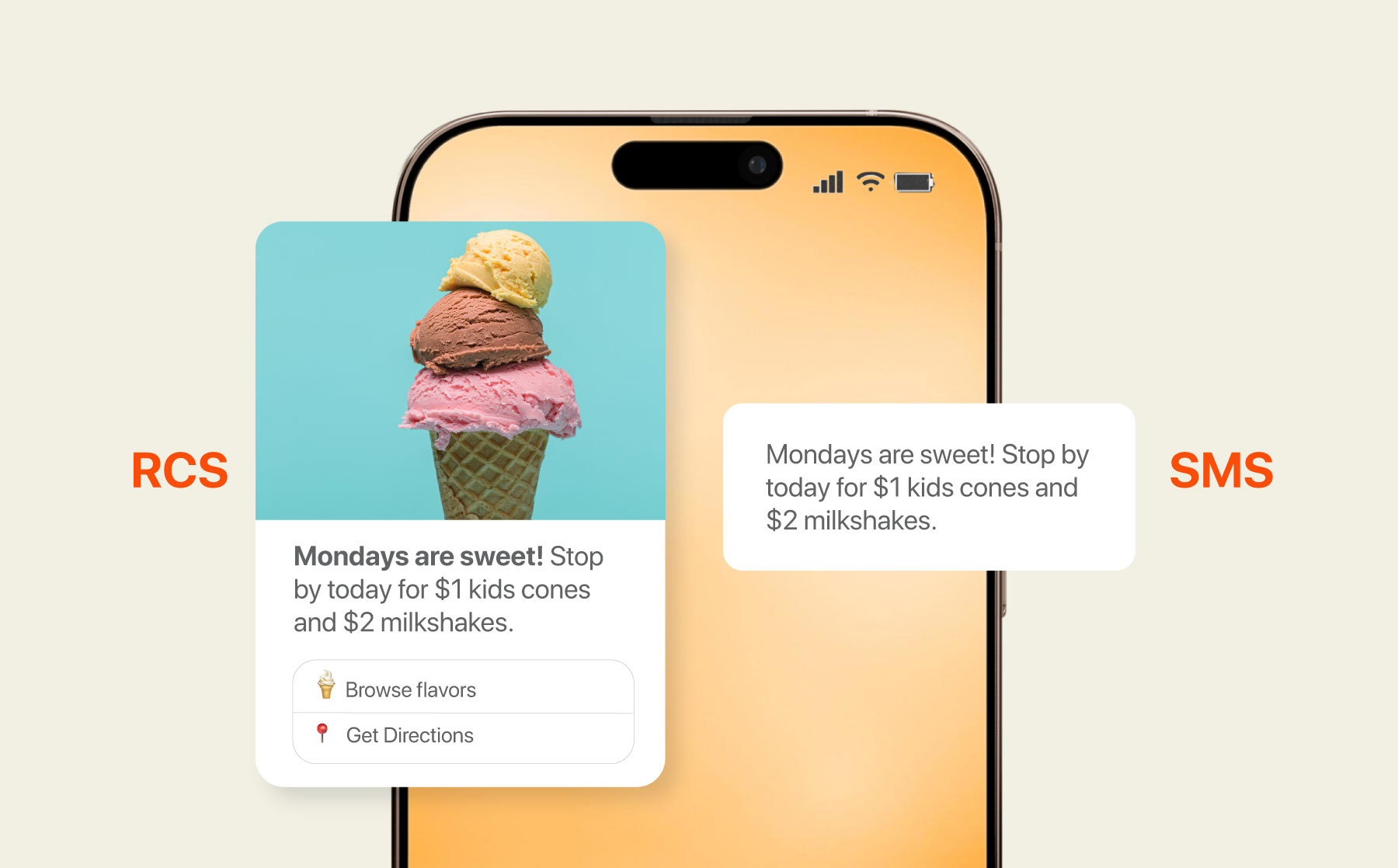

If you’ve started using RCS messaging, you may have noticed some changes compared to the usual messaging flow. Sometimes your message arrives with images and buttons intact, the branding is exactly the way you designed it. Other times, the very same message shows up as a basic SMS, what gives?
The short answer is that RCS delivery depends on a couple of things occurring at the same time. The recipient’s phone must support RCS, their carrier must allow it and their messaging app needs to have RCS turned on. Additionally, because RCS messages are sent over data instead of the traditional SMS network, the phone also needs to be actively connected to the internet.
When one of these conditions isn’t met, the message doesn’t just disappear off the face of the earth. Most messaging systems simply send it as an SMS instead. This process, known as fallback, is a clever contingency designed to ensure the message still reaches the recipient. Think of sending a package, if this initial route doesn’t work – then you switch providers.
For businesses that use rich messaging, this matters more than it might at first seem. When a message falls back to SMS, the experience changes: interactive elements disappear and specific branding may be lost. Delivery reporting can also appear differently on SMS as well.
In this article, you’ll learn what determines whether an RCS message is delivered as intended or falls back to SMS. It will also address the main factors that influence RCS message delivery status across devices, carriers and messaging platforms.
What is RCS Fallback?
Sometimes a rich RCS message simply doesn’t arrive as RCS. Instead, it shows up as a normal SMS. When that happens, what you’re seeing is called RCS fallback.
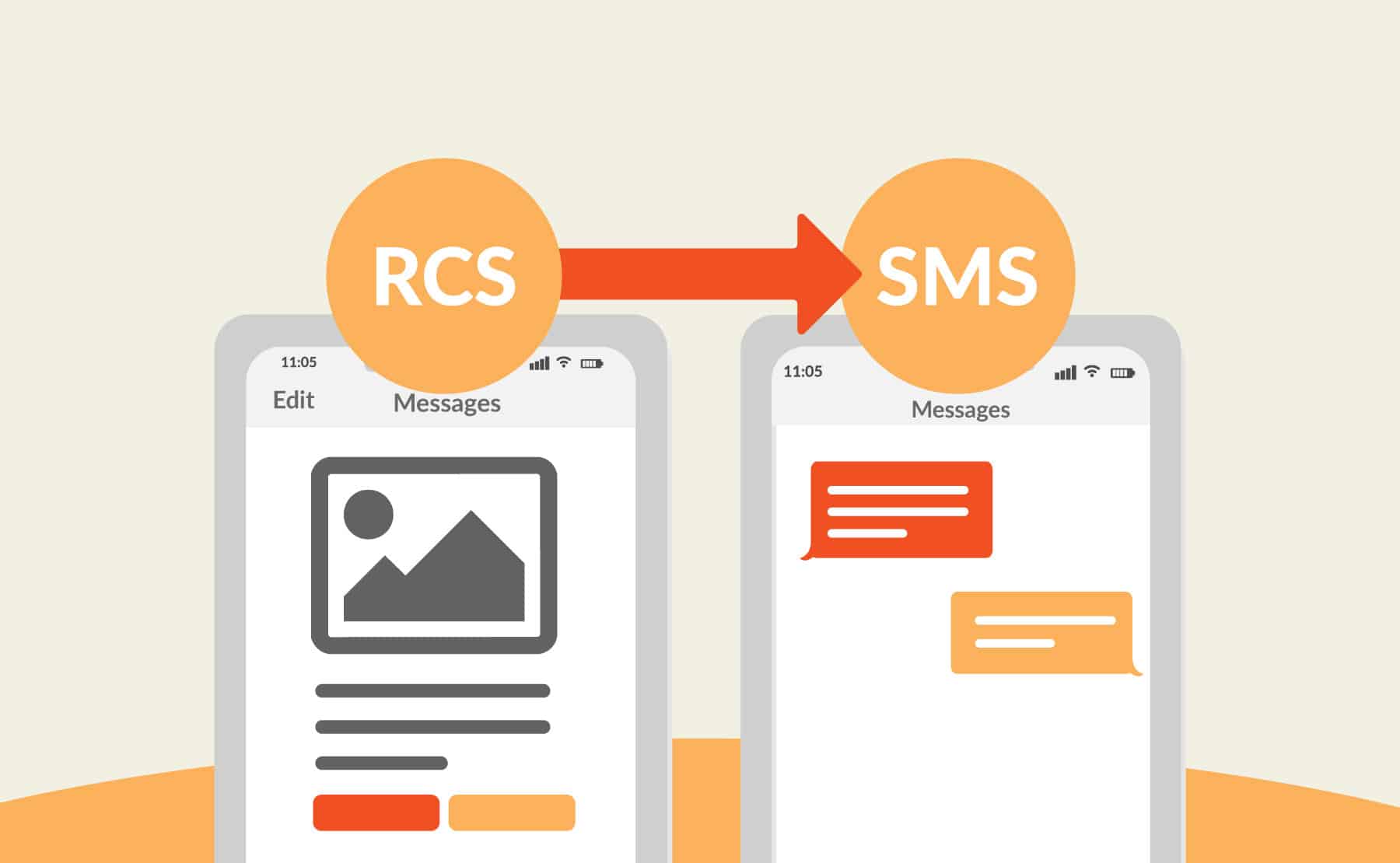
RCS fallback occurs when a message automatically switches from RCS to SMS because RCS delivery isn’t possible at that moment. Instead of the message failing completely, the system sends it through the traditional SMS network so it still reaches the recipient.
Think of it like a backup route. If the fastest road is closed, the driver simply takes another path to reach the same destination.
Why does this happen in the first place?
Unlike SMS, which works across almost every mobile device and carrier, RCS messaging works differently from traditional SMS. Some phones don’t support it. Some carriers limit it. In other cases, the recipient’s device simply isn’t connected to the internet when the message arrives.
Any one of these situations can prevent an RCS message from being delivered in its rich format.
When that happens, the messaging platform checks whether fallback is enabled. If it is, the system sends the message as SMS instead.
For businesses, this behavior is actually helpful. Without fallback, a message that couldn’t be delivered through RCS might fail entirely. With fallback enabled, the message still reaches the customer.
The experience just changes a little.
Images, buttons, and branded elements usually disappear. Read receipts and some engagement signals may also be lost. What remains is a standard text message.
That’s why understanding RCS delivery conditions matters. The better you understand those factors, the easier it is to design campaigns that work reliably across both RCS and SMS.
What Determines Whether an RCS Message Is Delivered?
By now you know that messages can fall back to SMS when RCS isn’t available. But that naturally raises another question: what actually determines whether a message arrives as RCS in the first place?
At first glance it might seem simple. Send an RCS message, and it should appear as RCS on the recipient’s phone.
In practice, it doesn’t always work that way.
Several conditions have to line up at the exact moment the message is sent and received. If everything is in place, the message is delivered as RCS. If even one piece is missing, the system may switch the message to SMS instead.
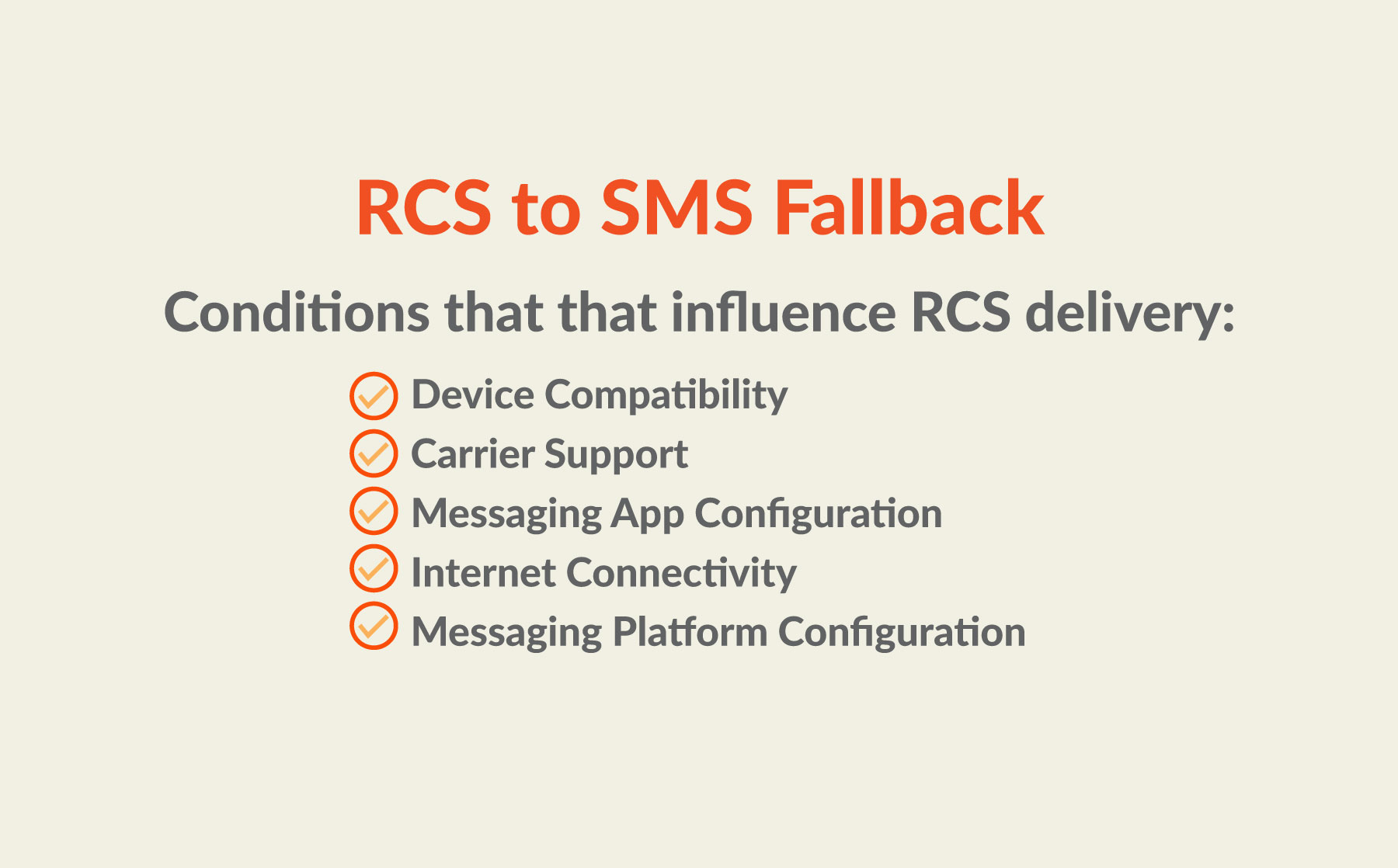
Here are the main factors that influence RCS delivery.
-
Device Compatibility
Start with the recipient’s phone.
Not every device supports RCS messaging. Most modern Android smartphones do support it through their default messaging app, often powered by Google’s RCS infrastructure. But that support can vary depending on the phone model, operating system version, or the messaging app someone is using.
-
Carrier Support
Sometimes the phone isn’t the issue at all. The carrier network can also affect whether a message arrives as RCS.
SMS has been supported by carriers for decades, which is why it works almost everywhere. RCS is newer, and support is still expanding across different networks. Some carriers fully support RCS messaging. Others only support certain features.
If the carrier doesn’t support it the message can’t be delivered as RCS. Instead, the messaging platform sends it through SMS fallback so the message still reaches the phone.
The message still arrives, but just arrives as a regular text.
-
Messaging App Configuration
Sometimes the issue isn’t the phone or the carrier. It’s the messaging app.
Even when a device and network support RCS, the feature still needs to be enabled inside the messaging app. In some cases, users may also intentionally switch their messaging settings. If you’re unsure how this works, here’s a guide explaining how to change RCS to SMS. On many Android phones, users must turn on RCS chat features in their messaging settings.
If that option isn’t enabled, the phone continues sending and receiving messages as standard SMS or MMS.
So the device may technically support RCS.
But the feature isn’t active.
When that happens, messages arrive as SMS instead.
-
Internet Connectivity
Sometimes the issue isn’t the phone or the carrier. It’s the connection.
RCS messages are delivered over a data connection rather than the traditional SMS signaling network. That means the recipient’s phone needs access to mobile data or Wi-Fi when the message arrives.
If the device is offline, even briefly, the message can’t be delivered as RCS.
When that happens, the system may switch the message to SMS instead so it can still reach the phone. In other words, fallback acts as a backup route when the data connection isn’t available.
For businesses sending messages at scale, this small detail can make a big difference. A momentary loss of connectivity is all it takes for an RCS message to arrive as a standard text instead.
-
Messaging Platform Configuration
Lastly, the messaging platform you use to send RCS messages can also influence how messages are delivered.
Enterprise messaging solutions manage much of the delivery process behind the scenes. They handle routing, fallback logic, carrier connections, and message delivery infrastructure so businesses don’t need to manage those technical details manually.
When an RCS message is sent, the platform first checks whether the recipient’s device, carrier, and messaging app support RCS at that moment. If everything aligns, the message is delivered as an RCS message with its full functionality intact.
This routing process is one of the reasons many organizations rely on an enterprise SMS platform when sending messages at scale. These systems help maintain reliable delivery, even when device settings, carrier support, or network conditions change.
What Happens When an RCS Message Falls Back to SMS?
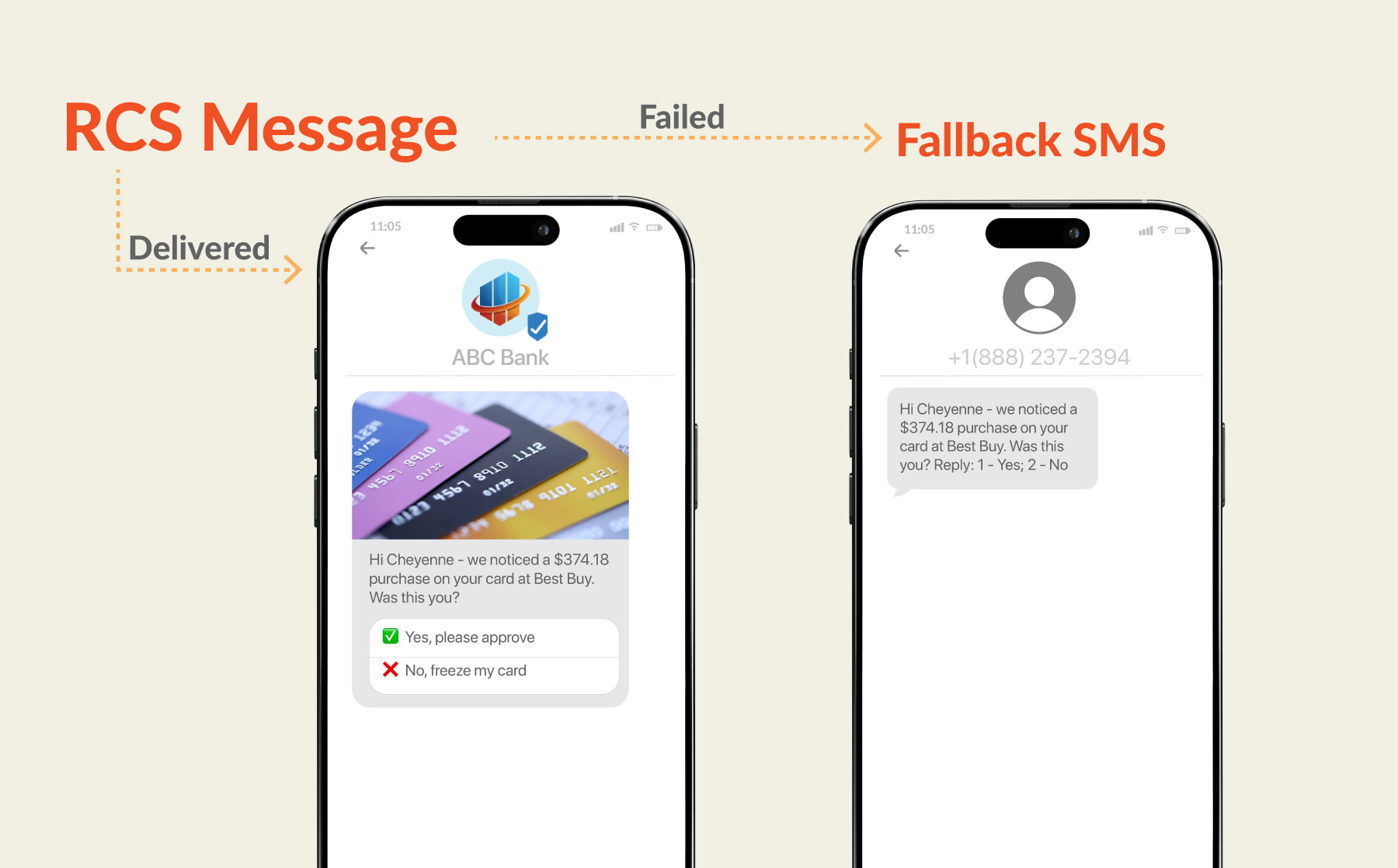
When an RCS message falls back to SMS, the message still reaches the recipient, but the experience may look a little different.
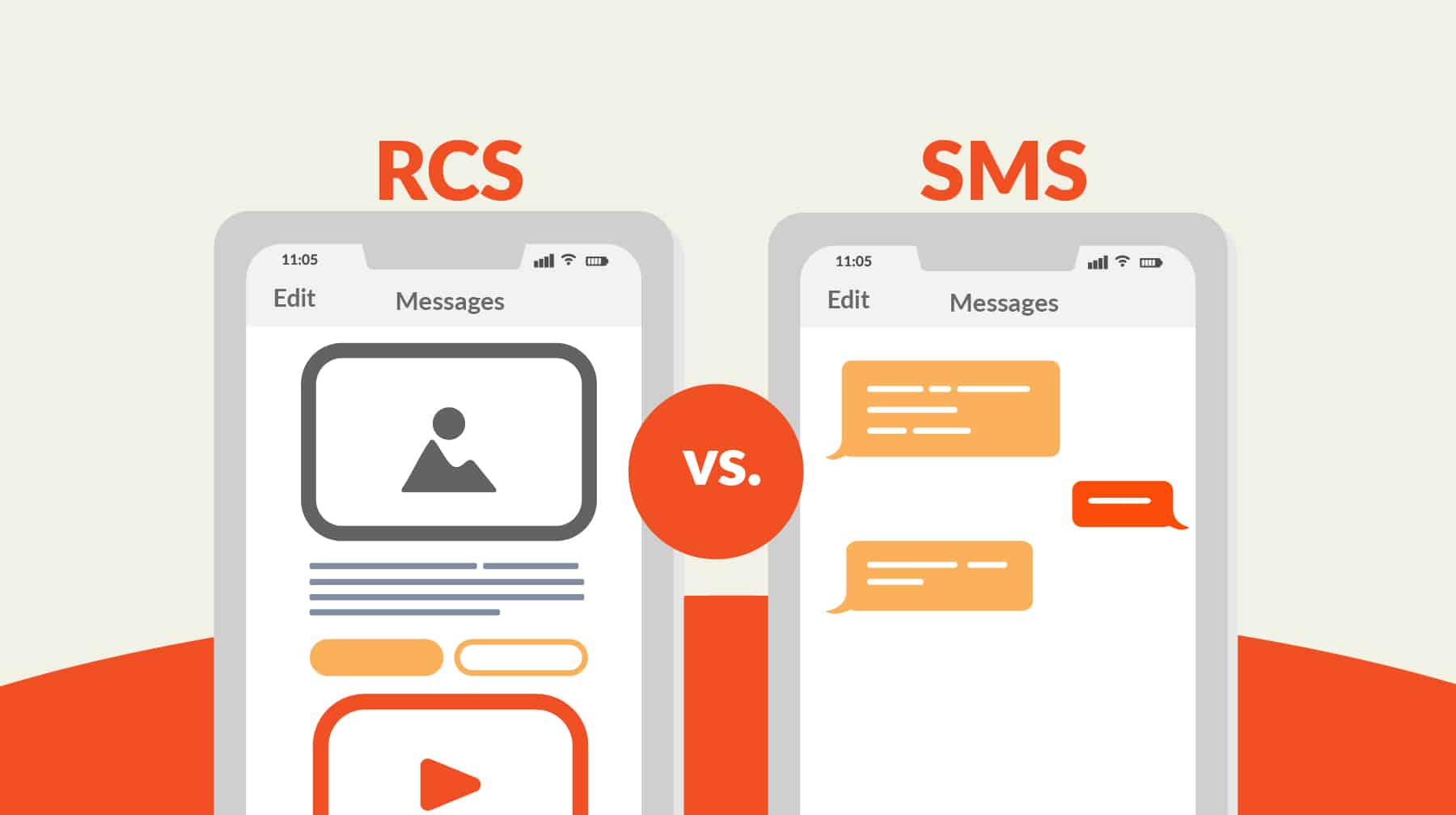
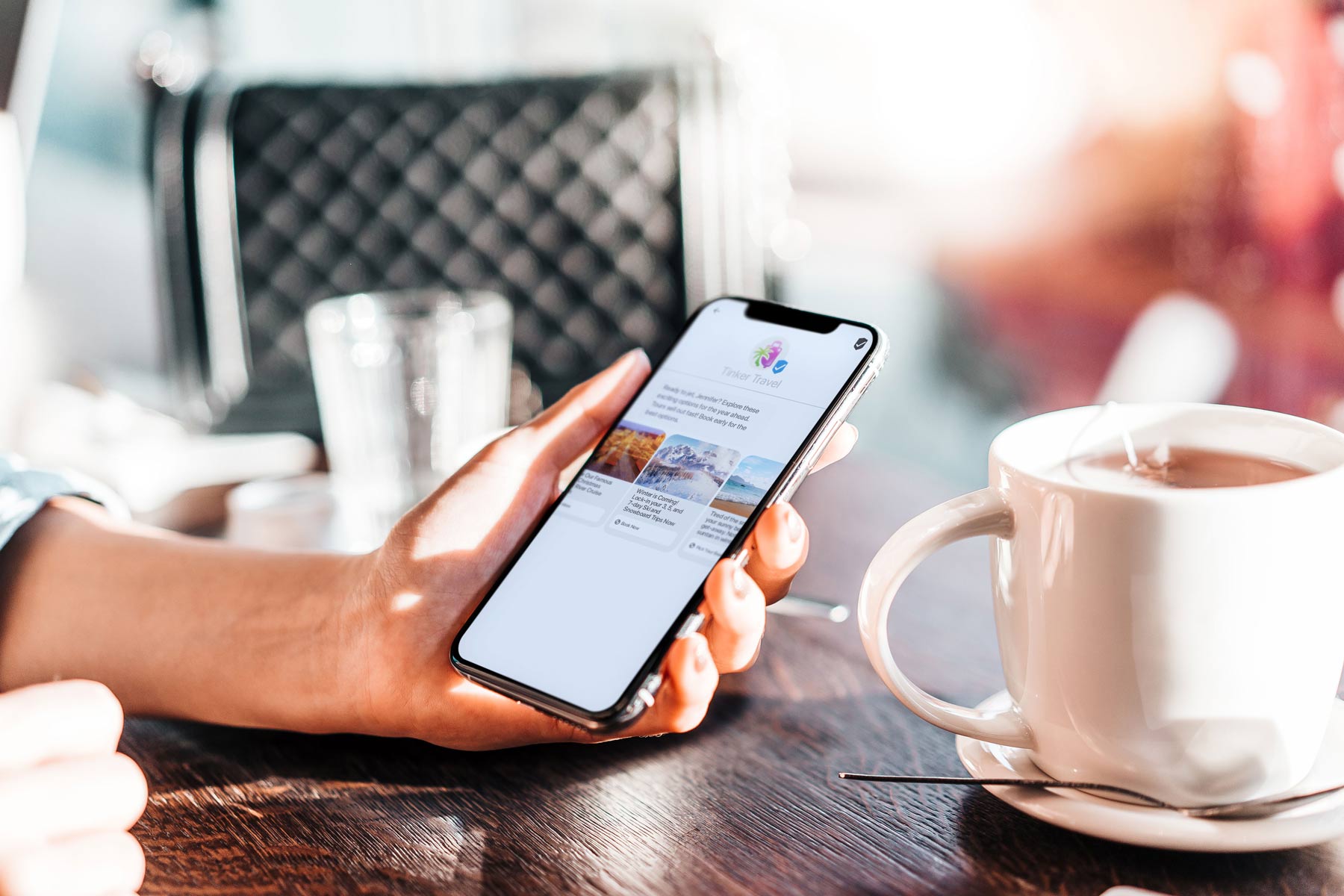
RCS is designed to support richer messaging features such as images, branded elements, suggested replies, and interactive buttons. These capabilities allow brands to create messages that feel closer to an app-like experience than a traditional text.
However, when a message switches to SMS, those enhanced elements usually disappear. Instead, the recipient receives a simpler text version of the message.
Message length may also change during fallback. RCS supports longer messages and richer formatting, while SMS follows traditional character limits. If a message falls back to SMS, longer content may be divided into multiple segments depending on how the messaging platform handles delivery.
Reporting capabilities can also differ between the two formats. RCS messaging may support features such as read receipts and additional engagement signals. SMS, on the other hand, generally provides more basic delivery confirmations.
Even with these differences, fallback plays an important role in messaging reliability. It helps ensure that messages still reach recipients when RCS delivery isn’t possible. For businesses sending important updates such as reminders, alerts, or promotions, this reliability can be critical.
Conclusion
RCS messaging opens the door to richer conversations between businesses and their customers. Images, branding, suggested replies, and interactive buttons can turn a simple text into something far more engaging.
But as you’ve seen, RCS delivery isn’t guaranteed every time a message is sent.
A few different conditions need to line up first. The recipient’s device must support RCS, their carrier needs to allow it, the messaging app must have the feature enabled, and the phone has to be connected to the internet.
Miss one of those pieces and the message may arrive as SMS instead.
That’s where fallback comes in. Rather than letting the message fail completely, the system simply sends it as a standard text so the recipient still receives the information.
For businesses, that reliability matters.
When teams understand how RCS delivery works and plan for fallback from the start, they can build messaging campaigns that stay dependable across both RCS and SMS channels.