For those of us who aren’t deeply entrenched in the world of cellular network technology, texting feels a little bit like magic. You type up a message, press send, and through some unknown sorcery of time and space, it reaches its recipient. Or so you hope.
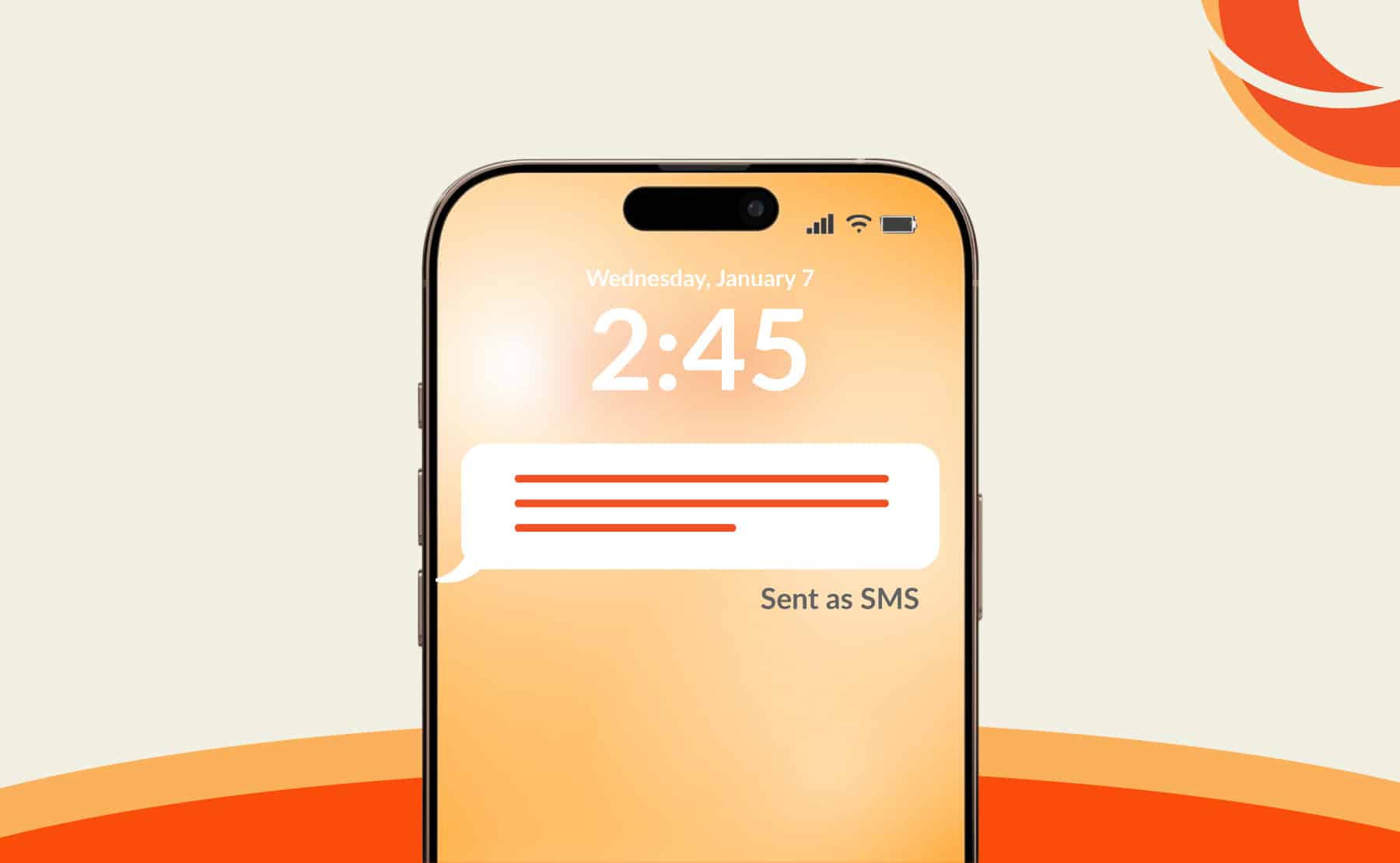
Most of the time, when you fire off a text, you’ll see the status “sent” or “delivered.” But every once in a while, you might see something different: “sent as SMS.”
What does “sent as SMS” mean? And how does it affect the way your message arrives?
Whether you’re a marketer messaging thousands of contacts from your enterprise messaging platform, or you’re texting a peer from your personal device, it’s important to understand what this status means and how it can impact your communications.
Let’s dive in.
Simple definition of “Sent as SMS”
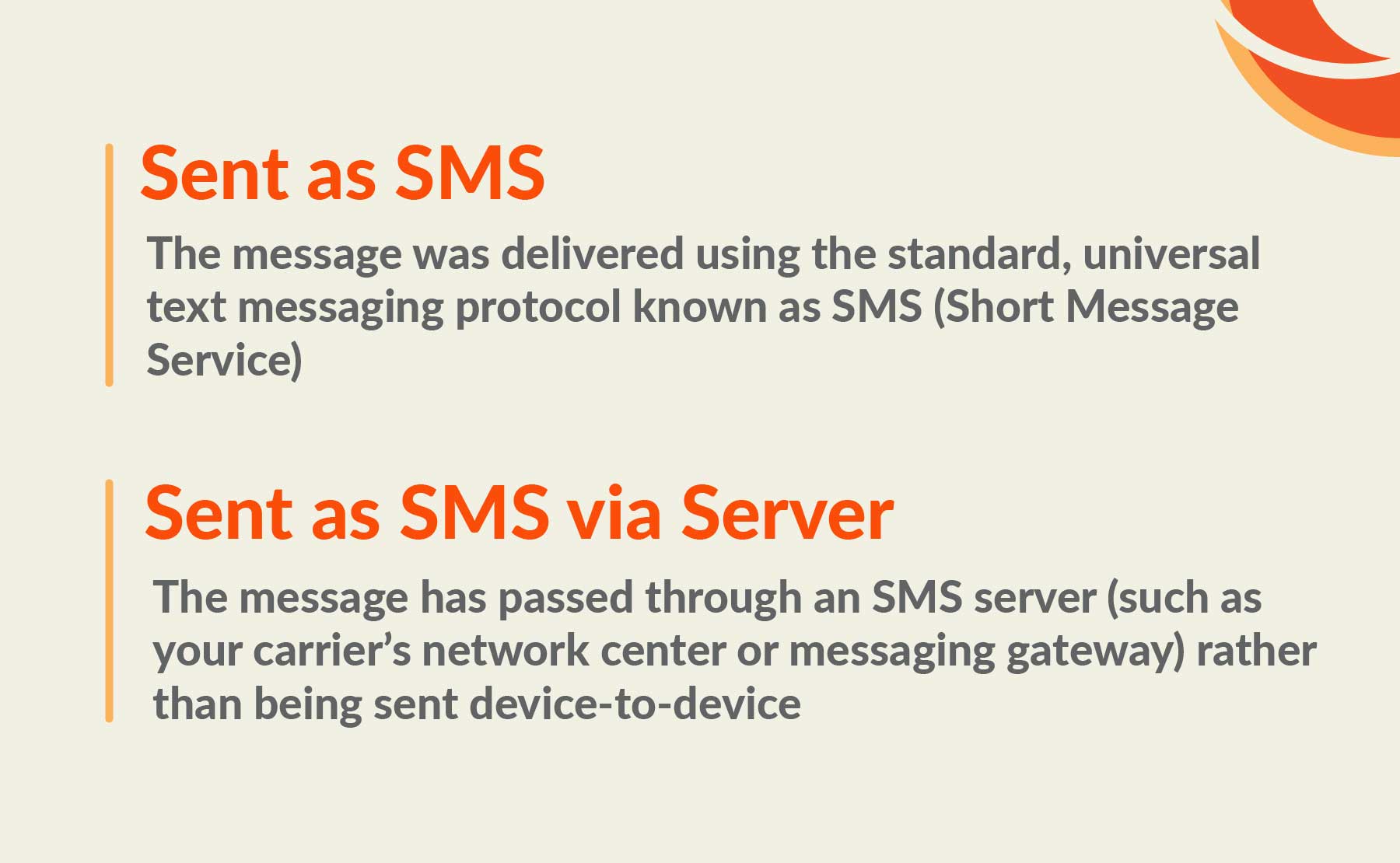
First, we’ll cut to the chase: “sent as SMS” means a message was delivered using the standard, universal text messaging protocol known as SMS (Short Message Service). SMS is the default method for sending texts over cellular networks because it’s supported by nearly every phone and carrier on the planet.
However, today there are more advanced methods of texting, such as iMessage (the default messaging app on Apple devices) and RCS (which stands for rich communication services, the modern messaging protocol now available on most newer smartphones via their native messaging apps).
Both iMessage and RCS offer rich features, like the ability to send higher-resolution images and larger files, as well as interactive features like read receipts, reactions, and typing indicators.
However, just because you can send a rich message via iMessage or RCS doesn’t mean your recipient can receive it in that format. In those cases, the message will typically fall back to the simpler SMS format, and you’ll see the “sent as SMS” delivery status. If you want to force standard texting on your device, here’s how to change RCS to SMS.
What Does “Sent as SMS via Server” Mean?
Sometimes, you might see a slightly different version of this delivery status, such as: “sent as SMS via server.”
All this means is that the message has passed through an SMS server (such as your carrier’s network center or messaging gateway) rather than being sent device-to-device.
Usually, this happens when a sender attempts to send a message using a more advanced protocol, such as RCS or iMessage, to a recipient whose device or carrier doesn’t support it. The system falls back to SMS, then uses a network server to handle delivery.
This is also how it works when you send messages from an SMS platform like TrueDialog. By using server-based delivery, the platform can quickly and reliably deliver a high volume of messages.
In other words, “SMS via server” means the message was sent as an SMS but routed through a server (usually to ensure faster, more reliable delivery).

When Does a Message Get Sent as SMS?
There are a few common reasons a message is sent as an SMS:
-
There’s no Wi-Fi or mobile data connection
Both iMessage and RCS require Wi-Fi or mobile data to deliver messages. If either the sender or the recipient is disconnected from their Wi-Fi or cellular internet, or the connection is too weak, the message may be delivered as an SMS.
-
The messaging platform is temporarily unavailable
In some cases, the messaging platform itself may be experiencing outages or technical issues, which can prevent messages from delivering in a rich format.
(This is why it’s so vital that businesses choose a platform like TrueDialog, which runs on reliable, enterprise-grade technology to reduce the risk of outages.)
-
You’re sending to a user who cannot receive rich communications
As we mentioned earlier, not all devices can receive iMessages or RCS messages, and not all carriers support these more advanced messaging protocols. Depending on the platform you’re using to send the message, the system will usually fall back to SMS for these contacts and send the message in short message format.
-
Your contact is dealing with data or account issues
If a contact has exhausted their monthly cellular data allowance (and cannot connect to Wi-Fi) or is experiencing another account issue with their carrier, they may only be able to send and receive messages via SMS until the issue resolves.
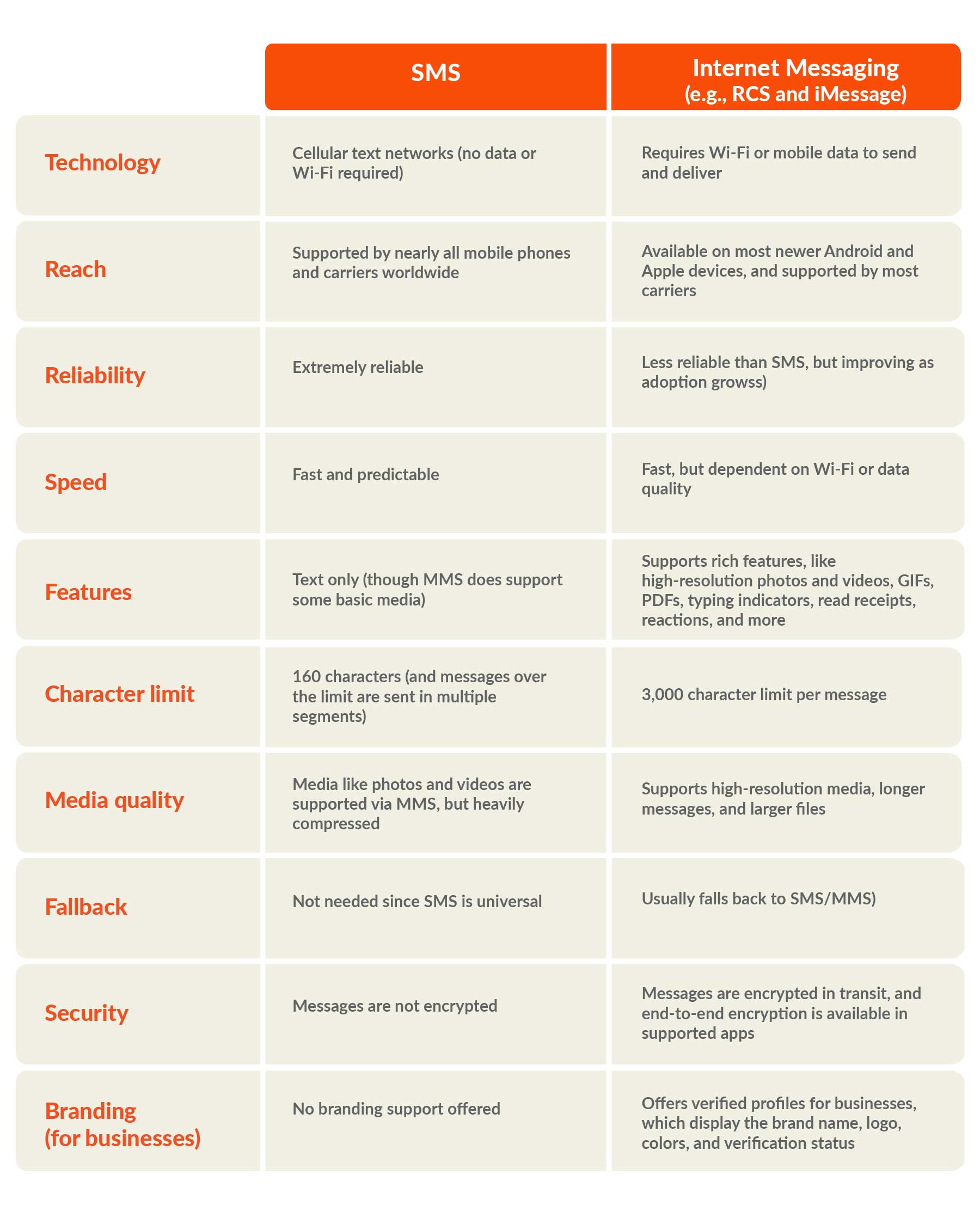
Pros and Cons of SMS vs. Internet Messaging
Still fuzzy on the differences between SMS messaging and internet or data-based messaging (like iMessage and RCS)? This chart should help clear things up:
How TrueDialog Ensures Reliable SMS Delivery
For businesses texting their audiences, reliability is vital. You need to know that the messages you send will not only reach your contacts but also be delivered quickly and in a format each recipient can access.
Here’s how TrueDialog makes that possible:
-
Direct carrier connections
While some platforms route your texts through a third-party communication platform-as-a-service (CPaaS), TrueDialog maintains direct connections with carriers. Cutting out the middleman means faster and more reliable delivery.
-
SMS fallback for RCS
RCS offers incredibly powerful features that can benefit your business. However, some of your contacts still may not be able to receive rich content messages. In those instances, the TrueDialog platform automatically falls back to SMS to ensure your message can reach everyone on your list.
-
TrueDelivery®
Of course, messaging protocol isn’t the only thing that can affect SMS deliverability. If carriers detect that your message contains spammy content, they’ll stop those messages from reaching their customers. To help, TrueDialog’s AI-powered TrueDelivery® tool bounces your message content against carrier spam filters (before sending) and tells you the likelihood that your messages will be flagged. This way, you can make any necessary edits.
Frequently Asked Questions
-
Does “Sent as SMS” Mean I’m Blocked?
In addition to “what does send as SMS mean,” another common question brands ask is whether “sent as SMS” means a contact has blocked your messages.
While it’s much more likely the recipient simply cannot receive RCS messages, there is a chance your message cannot get through because they’ve blocked your number. Or, in some instances, a carrier may have blocked your business for failing to meet SMS marketing compliance regulations.
For businesses, blocked messages usually show up as “failed” on your platform’s delivery report. (Though, again, remember that blocking is not the only reason a message may fail.)
-
Does “Sent as SMS” mean my message was delivered?
Seeing a “sent as SMS” status means the system successfully sent your message, but it doesn’t necessarily mean it was delivered. The same is true for “sent SMS via server,” meaning the message has been sent and is using a network server to manage delivery, but it may not have been delivered (yet).
Unfortunately, SMS doesn’t have built-in delivery confirmation, so you may not actually know whether a message has reached its intended recipient (until they respond, of course). However, businesses can usually consult their platform’s campaign delivery report to determine whether messages have been successfully delivered.
-
Is SMS more reliable than internet messaging apps?
SMS is the most reliable messaging protocol because it can reach almost every single mobile phone and carrier on the planet.
That’s why, even though RCS messaging has become more widely adopted, it’s still important to use a platform that falls back to SMS when recipients cannot receive an RCS message. This way, you can make sure your messages, especially time-sensitive notifications and critical alerts, still reach contacts without RCS-compatible devices.
Discover the power of ultra-reliable messaging with TrueDialog. Request your demo today.