
Text message marketing is an ultra-powerful way to strengthen relationships with your audience, improve customer experiences, and boost long-term loyalty — but only when people sign up for messaging and stay engaged. In an era when there’s already so much else vying for consumers’ attention, how can you convince your audience to take the time to subscribe or respond?
The answer is to make both of these actions ridiculously easy. And that’s exactly what a keyword text can help you accomplish.
Here’s how you can leverage keywords in your SMS program, why this technique is so successful, and a few best practices to help you drive even better results:
What Is a Keyword Text in SMS Marketing?
A keyword text is a simple and memorable word or phrase that customers can send to an organization’s phone number — often to sign up for the brand’s text messaging program, participate in a poll or contest, or receive information about a specific topic.
For example, during a game, a sports team might ask attendees to text a keyword to sign up for exclusive offers and VIP access to season passes. (i.e., “Text FAN to 12345.”) Then, when someone texts the keyword to the team’s number, the team auto-responds with a confirmation message, opt-out instructions, and details about the kind of content the new subscriber might expect to receive.
Because keyword texts are so simple, they’re one of the most popular and effective ways businesses can grow their subscriber base and keep their audience engaged in SMS conversations.
How a Keyword Text Works
On the surface, texting keywords sounds easy — and, for your audience, it is. (After all, most mobile phone users know how to text a word to a number.) But a lot happens behind the scenes to make this possible.
Here’s a step-by-step breakdown of how a keyword text works:
- Step 1: A brand invites its audience to text a keyword to its number via a promotion on its website, social media post, or email, or at an in-person event.
- Step 2: A customer engages with the promotion and texts the keyword to the brand’s number.
- Step 3: The keyword text triggers a workflow that sends an automated confirmation message to the contact and stores the contact’s information and opt-in status (if they’re a new subscriber).For promotions targeting existing subscribers, you might set up your workflow to add the contact to a specific list. For example, if you’re running a contest, you might ask subscribers to text “WIN” to your number. Then, you might add every contact who texts this keyword to a special segment called “contest participants.”Additionally, by tying each SMS keyword to its own campaign logic, you can run multiple keyword-based campaigns simultaneously without mixing up your lists or responses.
If this feels overwhelming, keep in mind that the right enterprise SMS platform will handle a lot of the heavy lifting for you. By integrating your SMS solution with your CRM and marketing automation software, you can easily create custom workflows and automate most of the process.

Keyword Text Benefits for Businesses
If you’re still not sure whether you want to launch a keyword text campaign, here are a few benefits to consider:
-
Frictionless opt-ins
By removing barriers (like complex forms), keywords dramatically simplify the subscription process. And, when opting in is this quick and easy, there’s very little holding contacts back from joining your SMS program. In other words, creating a lower-effort opt-in process can translate into higher subscription rates.
-
High engagement
Text messaging already boasts sky-high open rates, and keyword-based campaigns can further incentivize engagement. Because your customer initiates the interaction, they’re already invested in the conversation. Setting up a customized auto-response gives you a chance to capitalize on their attention before it’s diverted elsewhere.
-
Streamlined audience segmentation
Tying a unique keyword to each campaign or promotion makes it easy to group contacts accordingly. You can automatically organize subscribers by their interests or intent as soon as they text you, and keep them engaged with highly targeted, relevant messages.
For example, if a college student subscribes to texts while participating in a charity event, the school may add them to a list of students interested in future volunteer opportunities.
-
Easier tracking and attribution
How do you know which of your campaigns is driving the most subscriptions, responses, or conversions? When you use keywords, it’s especially easy to track performance and ROI, and identify which efforts are driving the best results in real time.
-
Compliance-friendly subscriber growth
When audiences are text messaging keywords to subscribe to your SMS program, you’ll have a clear audit trail to prove you’ve obtained consent — including a record of the time, number, and responses to any confirmation messages. This makes it easier to adhere to regulatory guidelines.
(Of course, if you’re using a solution like TrueDialog, you’ll already have access to built-in compliance tools — but keywords can make tracking opt-ins even more straightforward.)
Best Practices for Setting Up Keyword Text Campaigns

Succeeding with keywords takes more than simply asking your audience to “text keyword to number 12345.” Here are a few best practices to help you level up your results:
-
Choose simple, memorable keywords
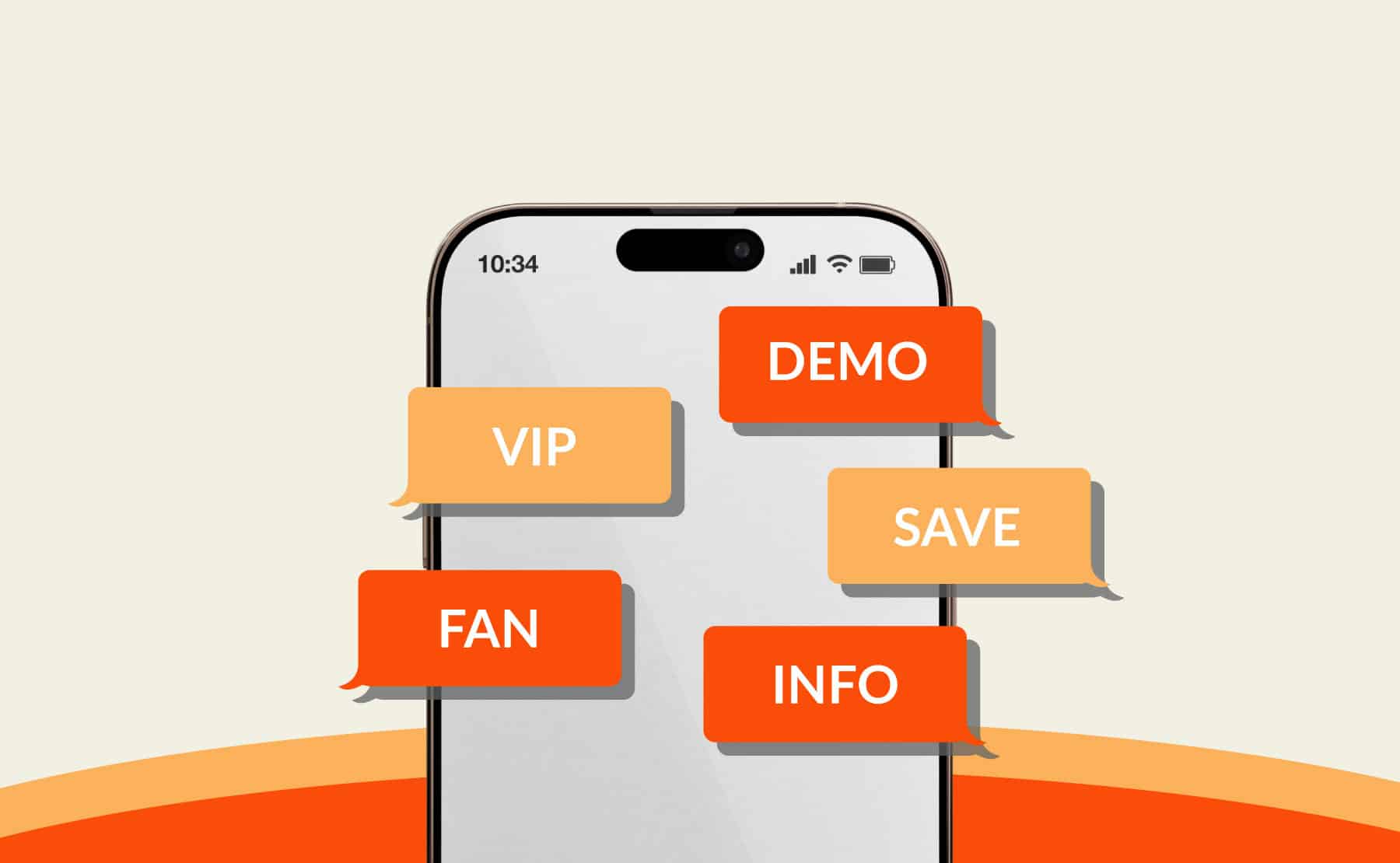
It’s always a good idea to pick keywords your audience is likely to remember and unlikely to misspell. A few good SMS keyword examples include “ENROLL,” “APPLY,” “WIN,” “JOIN,” “FAN,” “VIP,” “SAVE,” or “INFO.”
-
Keep auto-replies clear and concise
Always set up an auto-responder for keyword-based campaigns so subscribers know you’ve received their message. This is also a great time to share any other relevant details.
For example, a sports venue running an opt-in campaign might respond with a message that says:
You’re in! Expect exclusive ticket offers, game alerts, and VIP experiences. Reply STOP to opt out.
Or, if an existing subscriber responds to a software company’s message about a new product feature with “DEMO,” the company might respond with:
Got it, Julie! We’re excited for you to check out our latest update. Your demo link will arrive shortly.
-
Ensure compliance with opt-in/opt-out rules
Whenever you run an SMS campaign, you should keep regulatory compliance top of mind. That means sending a confirmation message that identifies the brand, confirms the subscriber’s opt-in status, and includes clear opt-out instructions, such as “Reply STOP to unsubscribe.”
Additionally, never send a message to a contact who hasn’t explicitly consented to receiving messages from your brand, and always maintain timestamped consent records that show how a user opts in (just in case your program’s compliance is ever called into question).
-
Track performance with analytics
Use your SMS solution’s reporting features to carefully track campaign performance and learn what works (and what doesn’t). For example, with TrueDialog, you can track delivery rates, URL clicks, and other engagement metrics in real time — plus, each campaign has a unique status log for audit trails. You can build custom reports to drill down on specific analytics, and use an executive dashboard for a high-level view of all messaging activity.
How TrueDialog Makes Keyword Texting Easy
Having the right SMS platform makes a world of difference when it comes to creating, launching, and measuring keyword-based campaigns — and TrueDialog has several features designed to support your success.
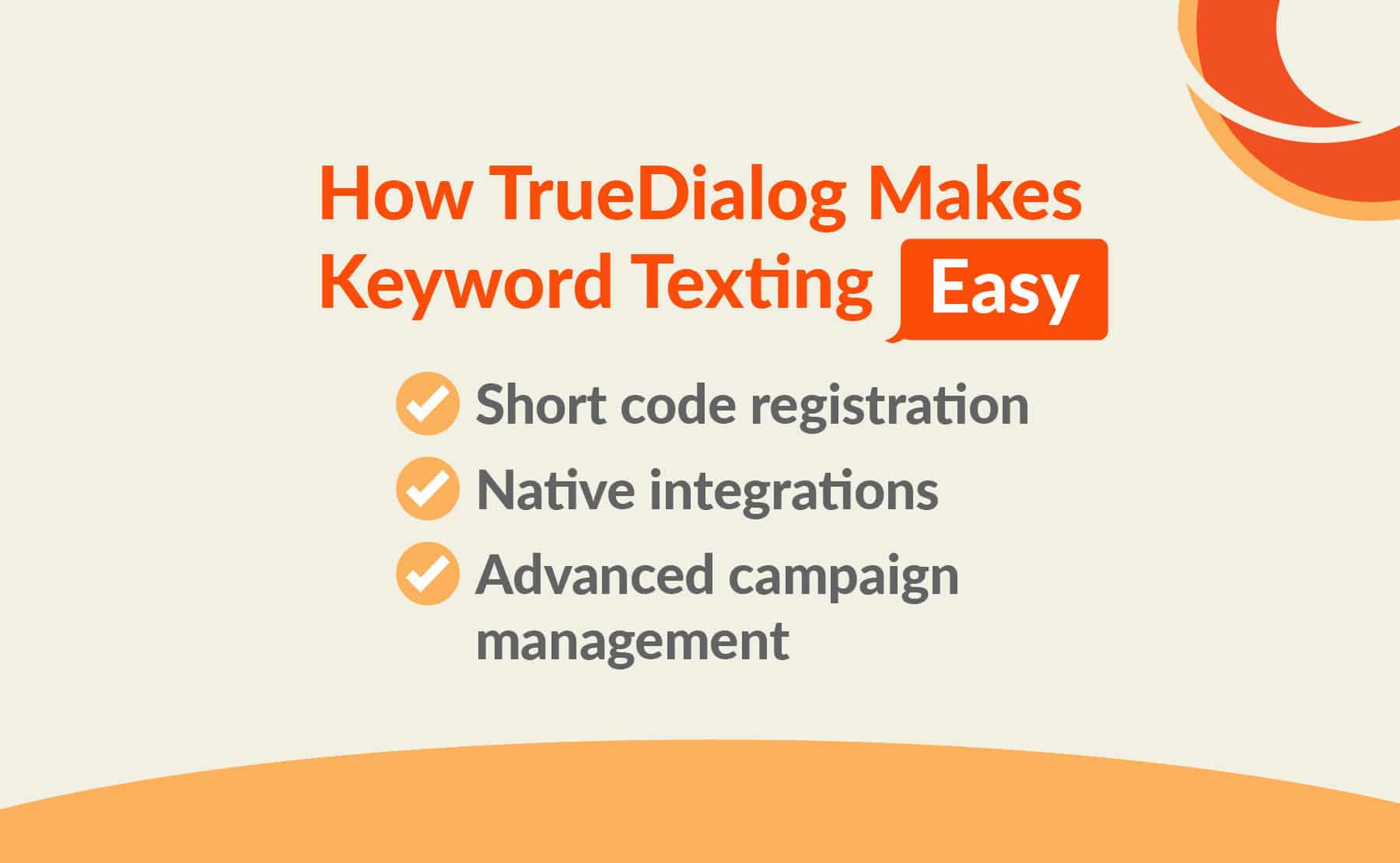
Here are just a few ways TrueDialog streamlines your keyword texting efforts:
-
Short code registration
While you can use keywords with 10-digit long codes (10DLCs), short codes are much easier for your audience to type and remember — and also offer higher throughput and better deliverability.
As a premier partner of the US Short Code Registry, TrueDialog can help streamline and expedite the short code application and provisioning process so you can get your campaigns up and running quickly. In fact, some of the country’s top organizations rely on TrueDialog’s SMS short code service for their keyword text campaigns.
-
Native integrations
With TrueDialog, you won’t have to worry about complicated integration setup or relying on a third-party service like Zapier. Because the platform natively integrates with leading CRMs and marketing automation solutions, you can easily build workflows in minutes — no developer or additional software required.
-
Advanced campaign management
TrueDialog allows you to build and manage multiple campaigns with ease, clone successful campaigns, and set up automated responses or choose one from your own library of customized, AI-generated responses. You can create your own branded URLs to boost brand recognition and track clicks.
Best of all, we offer these features without sneaking in any unexpected fees or up-charges. With TrueDialog, you get transparent SMS marketing pricing — no matter which plan you choose.
The bottom line is: keyword texting is an essential part of a powerful SMS strategy. By adopting an enterprise texting platform like TrueDialog and using the best practices we’ve shared above, you’ll be well on your way to enjoying better engagement and a headache-free subscriber boost.