
Whether you’re sharing vital updates or delivering one-on-one support, text messaging is one of the fastest and most reliable methods of connecting directly with your audience and fostering easy two-way communication. That is, if you have the right tools and processes to support it.
When you’re managing hundreds or thousands of conversations, it can be challenging to deliver a seamless customer experience or prevent responses from slipping through the cracks. Fortunately, with a mass texting service like TrueDialog, you can use text forwarding to effortlessly route inbound messages to the right people, teams, and inboxes in real time.
Here’s everything you need to know about how to forward a text message, what text forwarding looks like in practice, and answers to our top FAQs.
What Is Text Message Forwarding, and Why Should I Use It?
Text message forwarding gives you the ability to redirect inbound texts from one phone number to another — or to an email address or business platform, like a help desk or CRM.
Here are three benefits of using text forwarding:
It boosts efficiency
Instead of manually copying and pasting every customer question or concern, you can route individual messages to the appropriate team. For example, if a contact messages the marketing team with a tech support question, you can ensure the query reaches someone qualified to answer it.
It ensures higher response rates
Text forwarding ensures you can address every message from your contacts and never miss questions or concerns that require a timely response — even if a customer sends a message to the wrong department or reaches out after hours.
It supports better visibility
Text forwarding via an enterprise SMS platform like TrueDialog gives you the power to log communications in a centralized platform. That way, if you need to escalate a customer issue to a manager or another team, they’ll have the context to address it quickly and thoroughly.
How to Forward a Text Message on Any Device
Depending on the device or platform you’re using, there are a few different ways to forward a text message. Here are step-by-step instructions to help you get started:
How to Forward a Text on iPhone
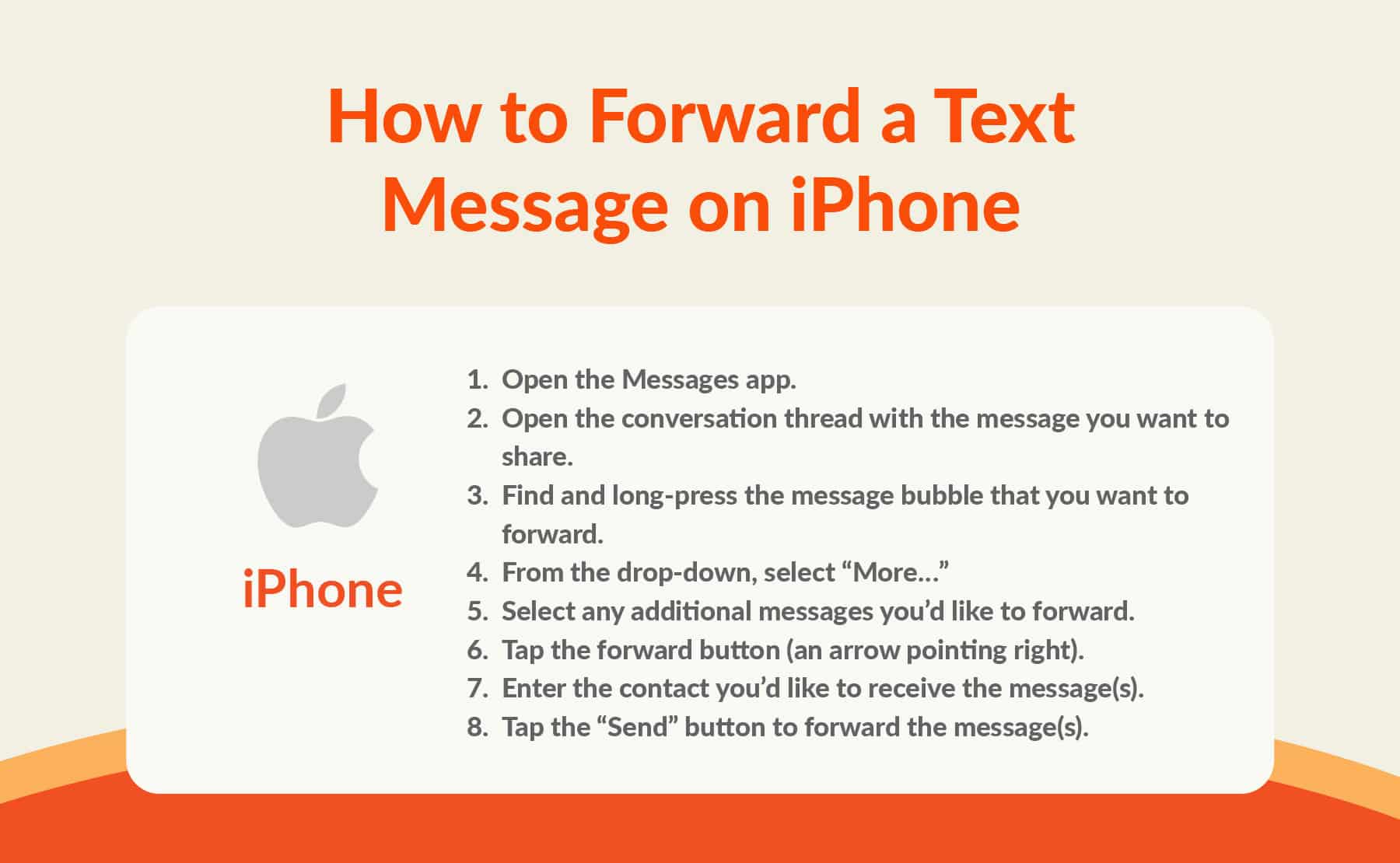
Here’s how to forward a text message on iPhone:
- Open the Messages app.
- Open the conversation thread with the message you want to share.
- Find and long-press the message bubble that you want to forward.
- From the drop-down, select “More…”
- Select any additional messages you’d like to forward.
- Tap the forward button (an arrow pointing right).
- Enter the contact you’d like to receive the message(s).
- Tap the “Send” button to forward the message(s).
How to Forward a Text on Android
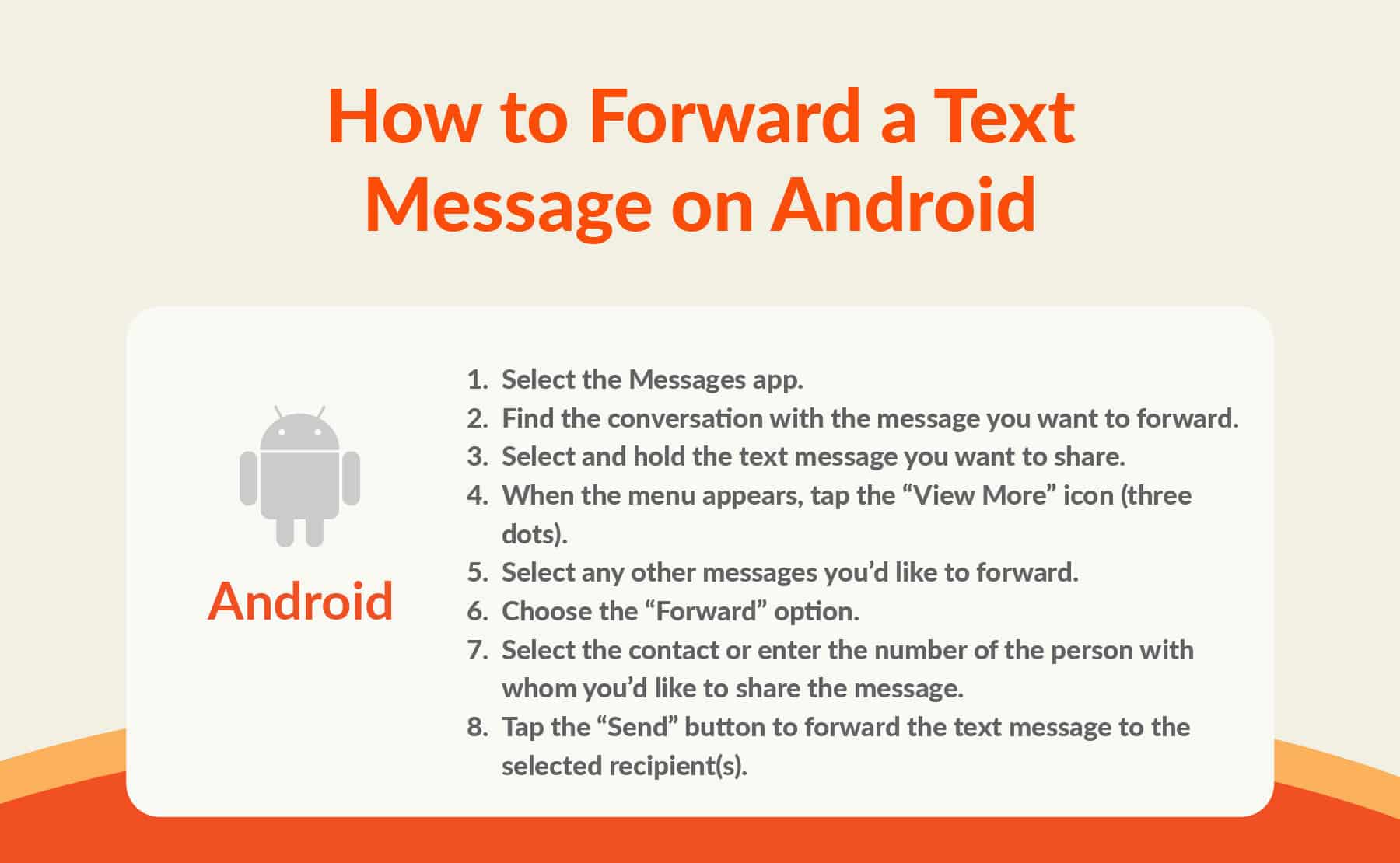
Here’s how you can forward a message from your Android device:
- Select the Messages app.
- Find the conversation with the message you want to forward.
- Select and hold the text message you want to share.
- When the menu appears, tap the “View More” icon (three dots).
- Select any other messages you’d like to forward.
- Choose the “Forward” option.
- Select the contact or enter the number of the person with whom you’d like to share the message.
- Tap the “Send” button to forward the text message to the selected recipient(s).
How to Forward a Text from a Desktop App
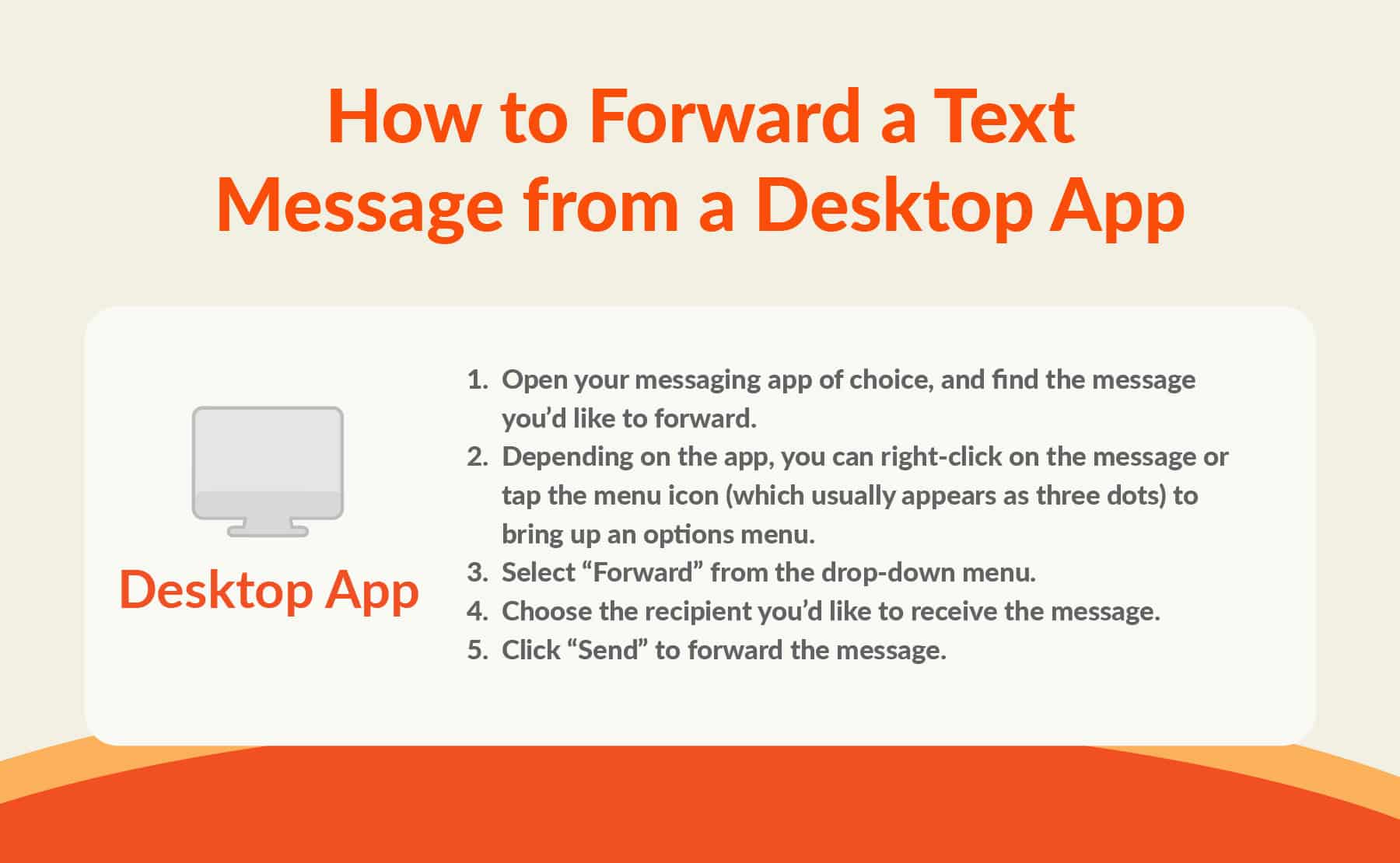
Here’s how you can forward a text from a desktop application:
- Open your messaging app of choice, and find the message you’d like to forward.
- Depending on the app, you can right-click on the message or tap the menu icon (which usually appears as three dots) to bring up an options menu.
- Select “Forward” from the drop-down menu.
- Choose the recipient you’d like to receive the message.
- Click “Send” to forward the message.
Alternatively, you can manually forward a message by copying its contents and pasting it into a new message or email:
- On a Windows computer: Right-click and select “Copy” to copy the message, and right-click inside the new message field and choose “Paste.”
- On a Mac computer: Hold down the “Command” and “C” keys to copy the text, and hold down the “Command” and “V” keys to paste it into the entry field.
How to Forward a Text from TrueDialog
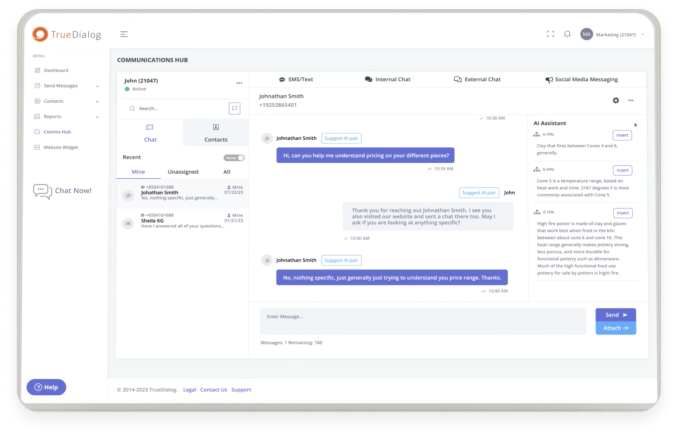
TrueDialog’s SMS call forwarding allows you route incoming messages to the most qualified team members. By ensuring each question is handled by the right specialist, you can achieve faster responses, greater accountability, and consistent customer communication that reinforces trust in your brand.
Here’s how to forward a text using TrueDialog:
- From CommsHub, select the conversation that you want to reassign
- Click on the menu button
- Select “Assign”
- From the pulldown menu, choose the team member who should take over the conversation.
Can You Forward Texts to Another Phone Automatically?
Using a phone or manual method to forward individual messages is fine when you want to share an internal message with a colleague. But it can quickly become an impossible task when you’re managing thousands of threads (plus, relying on manual processes can introduce security concerns).
Fortunately, it’s easy to forward texts automatically — especially if you’re using a platform like TrueDialog. With our solution’s forwarding, or assignment, feature, you can send text messages directly to another user’s inbox.
Common Reasons to Forward Text Messages
Here are a few scenarios when it’s helpful to leverage automatic text forwarding from an enterprise SMS solution like TrueDialog:
Customer Support Routing
Customers may not realize that the number you use to send marketing messages is not a support channel. But with automatic text forwarding, it doesn’t matter — you can still get their questions in front of the right person.
For example, suppose a bank’s marketing team sends a mass text message to all existing customers promoting its new budgeting tool. A customer responds that they’re interested in the offer but are having trouble logging into their account. With text forwarding, you can automatically route the customer’s message to the support team so an agent can help the customer log in.
After-Hours Coverage
Sometimes, customers encounter issues outside regular business hours and may rely on text messaging to get help. To ensure your customers get the timely support they need, you can set a rule that automatically forwards after-hours messages to your help desk ticketing system so your team can address them first thing in the morning.
Additionally, using TrueDialog’s Inbox Auto Response feature, you can set up an automated response to let customers know you’ve logged their concerns and that the support team will be in touch soon. Plus, with the platform’s real-time alerts, you’ll never miss a message. No matter when a customer opts to engage, the system will notify you via app, email, or push notification.
Lead Handoff Process
You never know when an especially compelling marketing offer might be the catalyst a contact needs to finally make a purchase. When that happens, you want to ensure there’s a quick and seamless way to connect your engaged contact with a sales rep.
For example, suppose a sports team’s marketing department sends a message to season pass holders about an opportunity to upgrade to premium box seating. A few minutes later, a contact responds that they’re interested in the offer. With text forwarding, the marketing team could effortlessly connect the customer with a VIP rep to upgrade their membership.
Department-Specific Requests
In some cases, contacts send their questions to the wrong team because they’re unsure who can help.
For example, a student might message their university’s admissions office about applying for financial aid. Instead of manually redirecting them, the admissions team can forward the text to one of the university’s financial aid officers to schedule an appointment with the student to discuss the application process.

FAQs About Forwarding Text Messages
Here are a few of our most frequently asked questions about forwarding a text message.
Is text forwarding secure?
The level of security depends on the platforms and applications you’re using to forward your messages. For example, manually copying and pasting a message into an unsecured email platform can introduce vulnerabilities, as can using an SMS platform that doesn’t have proper security infrastructure.
However, TrueDialog complies with the Campaign Registry, TCPA (Telephone Consumer Protection Act), and CTIA Guidelines. Our platform has also earned SOC 2 Type II and TX-RAMP certifications.
Why is call forwarding an important part of an SMS strategy?
There are a few key reasons you should leverage call forwarding as part of your texting strategy:
-
Ensures messages reach the right team
With TrueDialog voice and SMS forwarding, you can forward texts or calls from a TrueDialog number to another phone, ensuring messages are received where someone is actively monitoring them.
-
Enables support coverage during team absences or office closures
You can temporarily forward a number when the primary recipient is unavailable, which is useful when a team member is out of the office or when you’re managing schedule changes. This also comes in handy when offices are closed or teams are working remotely, and support needs to be routed to mobile devices.
-
Allows you to route communications to a new device
With text forwarding, you can forward messages to a different phone when a team member changes devices or phone numbers without updating the public-facing number.
-
Helps streamline team handoffs
Call forwarding helps ensure nothing falls through the cracks when a team member transitions to a new role or leaves the organization, or when a customer needs support from a different team.
-
Makes sure callsonly go to authorized individuals
So long as you use a solution like TrueDialog that offers verification, SMS forwarding helps ensure messages go only to pre-authorized phone numbers (which helps your organization further protect customer data).
Knowing how to forward a text message is helpful knowledge, and having the support of SMS business solutions can make the process much easier. With TrueDialog, you can easily forward messages to different teams or platforms to help ensure every contact feels supported, and every engaged prospect has a clear opportunity to convert.
Request a demo to learn more about how we can help you fully leverage SMS to power your business forward.